By JW Tool Box
Product Barcode Generator Guide 2026: UPC vs EAN-13 vs ITF-14 for Labels and Cartons
A practical guide for small businesses choosing the right barcode format for retail products, bundles, and outer cartons, with a local barcode generator workflow.
Why trust this guide
- Written by JW Tool Box around the actual workflow or linked tool on this page.
- Updated when browser behavior, file handling, or platform dimensions change in ways that affect the steps.
- Focused on practical settings, safe defaults, and real tradeoffs instead of generic filler.
TL;DR - Use UPC-A or EAN-13 for retail unit products, ITF-14 for outer cartons and case packs, and CODE128 for internal operations. If you just need to generate and test the artwork, start with the Barcode Generator. If the code will be used in retail, make sure the underlying number is valid for that sales channel.
If you are searching for a product barcode generator, you probably do not need a lecture on what barcodes are. You need to know which barcode format belongs on which package before you print a stack of labels that fail at the scanner.
That is the decision this guide is meant to speed up.
The hard part is rarely drawing the bars. The hard part is choosing the right format for:
- the individual product
- the retail shelf
- the warehouse carton
- the internal label that only your team uses
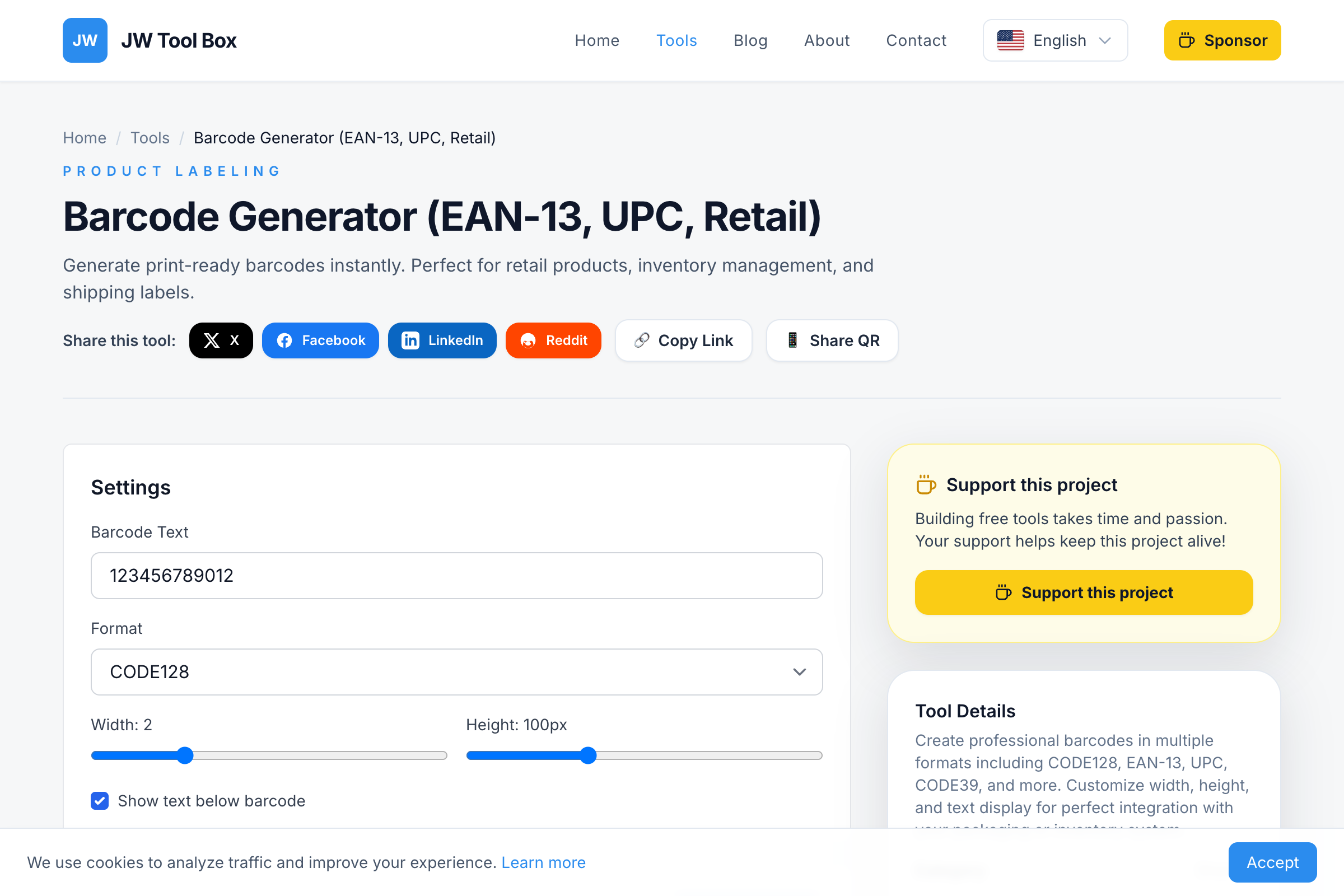
The good news is that you can test all of those visually with a browser-based Barcode Generator before you commit to a print run.
Quick Choice Table: Which Barcode Should You Use?
| Format | Best For | Typical Use |
|---|---|---|
| UPC-A | North American retail unit products | Single products sold at checkout |
| EAN-13 | Global retail unit products | Single products sold outside North America or across multiple markets |
| ITF-14 | Outer cartons and case packs | Shipping cartons that contain retail units |
| CODE128 | Internal logistics and warehouse labels | Shelf IDs, pick lists, internal tracking, non-retail shipping labels |
If you only remember one rule, make it this:
- Retail item on the shelf: UPC or EAN-13
- Outer carton containing multiple retail items: ITF-14
- Internal operational label: CODE128
What a Product Barcode Generator Actually Solves
A barcode generator helps with the artwork and format side of the problem:
- rendering the barcode correctly
- making it easy to test
- exporting a printable image
It does not automatically solve the numbering or registration side for retail distribution.
That distinction matters because many first-time sellers generate a barcode image successfully, assume they are done, and then run into trouble when a marketplace, retailer, or fulfillment partner checks the number source.
So think of the workflow in two layers:
- Choose the correct barcode format
- Use a valid number for the channel that will read it
The Barcode Generator handles step two visually. Your sales channel rules still determine which identifiers are acceptable commercially.
UPC vs EAN-13: Best for the Individual Product
For most small businesses, the real question starts here.
Use UPC-A when:
- the product is sold primarily in the U.S. or Canada
- the retail workflow expects a 12-digit UPC
- your packaging and systems are built around North American conventions
Use EAN-13 when:
- the product may be sold internationally
- the retailer or distributor expects EAN labeling
- you want a safer default for broader retail compatibility
From a shopper's point of view, UPC and EAN-13 often look interchangeable. From a workflow point of view, they are close cousins, but you should still use the format expected by the retail environment you are entering.
When ITF-14 Is the Right Choice
This is where many sellers make the wrong call.
ITF-14 is not usually for the single retail unit the customer grabs off the shelf. It is for the outer carton or shipping case that contains multiple sellable units inside.
Use ITF-14 when you are labeling:
- corrugated shipping cartons
- case packs
- wholesale outer boxes
- master packs headed to distribution centers
Why ITF-14 exists:
- It is designed for trade items at the carton level.
- It is a good fit for rougher printing environments and corrugated packaging.
- It tells the logistics side of the supply chain what is inside the box.
Practical example:
- A single bottle sold to a shopper might use UPC-A.
- A carton holding 24 bottles for warehouse handling might use ITF-14.
That one distinction saves a lot of labeling mistakes.
Where CODE128 Fits In
If your barcode is for an internal workflow, CODE128 is often the easiest answer.
Use CODE128 when you need:
- warehouse bin labels
- SKU stickers for internal use
- shipping or receiving labels
- alphanumeric identifiers
- flexible formatting under your own control
CODE128 is especially useful when your barcode does not need to satisfy consumer retail checkout rules.
The Best Small-Business Workflow
If you are making product labels for the first time, use this order:
1. Decide where the barcode will be scanned
Ask:
- retail POS scanner?
- distributor workflow?
- internal warehouse process?
- outer shipping carton?
Do not start with the generator. Start with the destination.
2. Pick the format
Use the simple rule:
- shelf item -> UPC or EAN-13
- carton -> ITF-14
- internal ops -> CODE128
3. Generate a test image
Open the Barcode Generator and create a sample at the real format you need.
Check:
- bar width
- height
- human-readable text
- clear white space around the code
4. Print one sample first
Never judge only from the screen.
Print one label at the exact size you plan to use. Test it with the actual scanner, phone, warehouse device, or checkout hardware involved in the workflow.
5. Only then scale the roll-out
If the test works:
- export the final artwork
- lock the size
- keep the quiet zone intact
- avoid last-minute stretching inside another design tool
Why Product Barcodes Fail to Scan
Most scan problems come from a few repeat mistakes.
Mistake 1: Using the wrong format for the job
The barcode may be technically valid, but not valid for the workflow.
Examples:
- using CODE128 on a consumer retail package
- using UPC on an outer carton where ITF-14 should be used
Mistake 2: Destroying the quiet zone
The quiet zone is the empty white space at the left and right of the barcode. Without it, scanners struggle to find where the code begins and ends.
This is one of the most common real-world failures.
Mistake 3: Scaling the image carelessly after export
Stretching or squeezing a barcode inside a layout tool changes the proportions. It may still look fine to the eye while becoming unreliable to a scanner.
Generate close to final size, then leave the geometry alone.
Mistake 4: Printing too small
Tiny labels can work in ideal conditions but fail in stores, warehouses, or on glossy packaging.
If the use case involves distance, speed, or imperfect lighting, give the code more physical space.
Mistake 5: Low contrast
Black on white remains the safest choice.
Stylized colors may look better in a mockup, but they also increase the chance of scan problems.
Product Labels vs Cartons: A Simple Example
Imagine you sell coffee beans.
Individual retail bag
What the customer buys from the shelf.
Better fit:
- UPC-A if the product is aimed at North American retail
- EAN-13 if the retail environment is broader or international
Case of 12 bags
What your warehouse or distributor moves in bulk.
Better fit:
- ITF-14 on the outside carton
Internal warehouse shelf location
What your team uses to organize stock.
Better fit:
- CODE128
This is the mental model that helps most teams avoid format confusion.
FAQ
Can I use any random number in a barcode generator?
For internal use, you may control your own numbering system. For retail distribution, marketplaces and stores may require identifiers from an approved source. The generator creates the image, but the number still has to fit the channel rules.
Is ITF-14 for the product itself?
Usually no. ITF-14 is primarily for outer cartons or case packs, not the single item the shopper scans at checkout.
Should I use QR codes on retail products instead?
Not for the main product identifier. QR codes are great for links, manuals, menus, setup instructions, or campaigns. For product identification in retail and logistics, standard barcodes are still the normal choice.
Can I print the barcode as a PNG?
Yes. A PNG is practical for labels and packaging mockups as long as you keep the dimensions consistent and test at the real printed size.
What if I need labels for receipts or internal paperwork too?
If you also generate customer paperwork, invoices, or small-business receipts, pair the barcode workflow with the Receipt Maker so the operational documents and the package labeling stay consistent.
Final Recommendation
If you are labeling a real product, make the decision in this order:
- Where will it be scanned?
- Is it the retail unit or the outer carton?
- Which format matches that use case?
- Does the underlying number satisfy the sales channel?
- Have you printed and scanned one real sample?
Then use the Barcode Generator to create the actual barcode artwork locally, test it, and export a print-ready image without sending product data to a third-party service.
About the author
JW Tool Box - Editorial and product review team
JW Tool Box publishes hands-on guides tied directly to the site's browser-based tools. Content is updated when browser behavior, platform rules, or product requirements change in ways that affect real workflows. The goal is to provide practical instructions, tested defaults, and trustworthy reference content instead of thin keyword filler.
Related guides
-
Free Barcode Generator Online: EAN-13, UPC, CODE128 Tool (2026)
If you need a barcode quickly, the hard part is usually not drawing the bars. It is picking the right format and testing it in the real workflow before you print 500 labels. That is where the Barcode Generator is useful. It lets you generate common formats locally in the browser, download a PNG, and test before you commit. The First Decision: Retail or Internal Use? Before you type anything in…
Related tools
Additional browser-based utilities that are closely related to this workflow.
-
Barcode Generator: Create EAN-13, UPC, and Code 128
Free EAN code generator and standard barcode maker (CODE128, EAN-13, UPC).
-
Receipt Maker (Printable PNG/PDF, Offline)
Generate clean receipts or lightweight invoices in your browser with custom lines and taxes.