By JW Tool Box
How to Write Check Amounts in Words With Cents: USD Examples You Can Copy (2026)
A copy-ready guide for writing dollar amounts in words on US checks, including cents, large numbers, and common mistakes banks reject.
Why trust this guide
- Written by JW Tool Box around the actual workflow or linked tool on this page.
- Updated when browser behavior, file handling, or platform dimensions change in ways that affect the steps.
- Focused on practical settings, safe defaults, and real tradeoffs instead of generic filler.
TL;DR - For a US check, write the amount in words like this: $242.05 = Two Hundred Forty-Two and 05/100 Dollars. If you want the correct wording instantly for any amount, use the Number to Words Converter.
If you are wondering how to write check amounts in words with cents, the format is simpler than it looks once you see the pattern.
You usually need two pieces:
- the whole dollar amount written in words
- the cents written as a fraction over 100
That is why:
$45.00becomes Forty-Five and 00/100 Dollars$150.25becomes One Hundred Fifty and 25/100 Dollars$1,234.56becomes One Thousand Two Hundred Thirty-Four and 56/100 Dollars
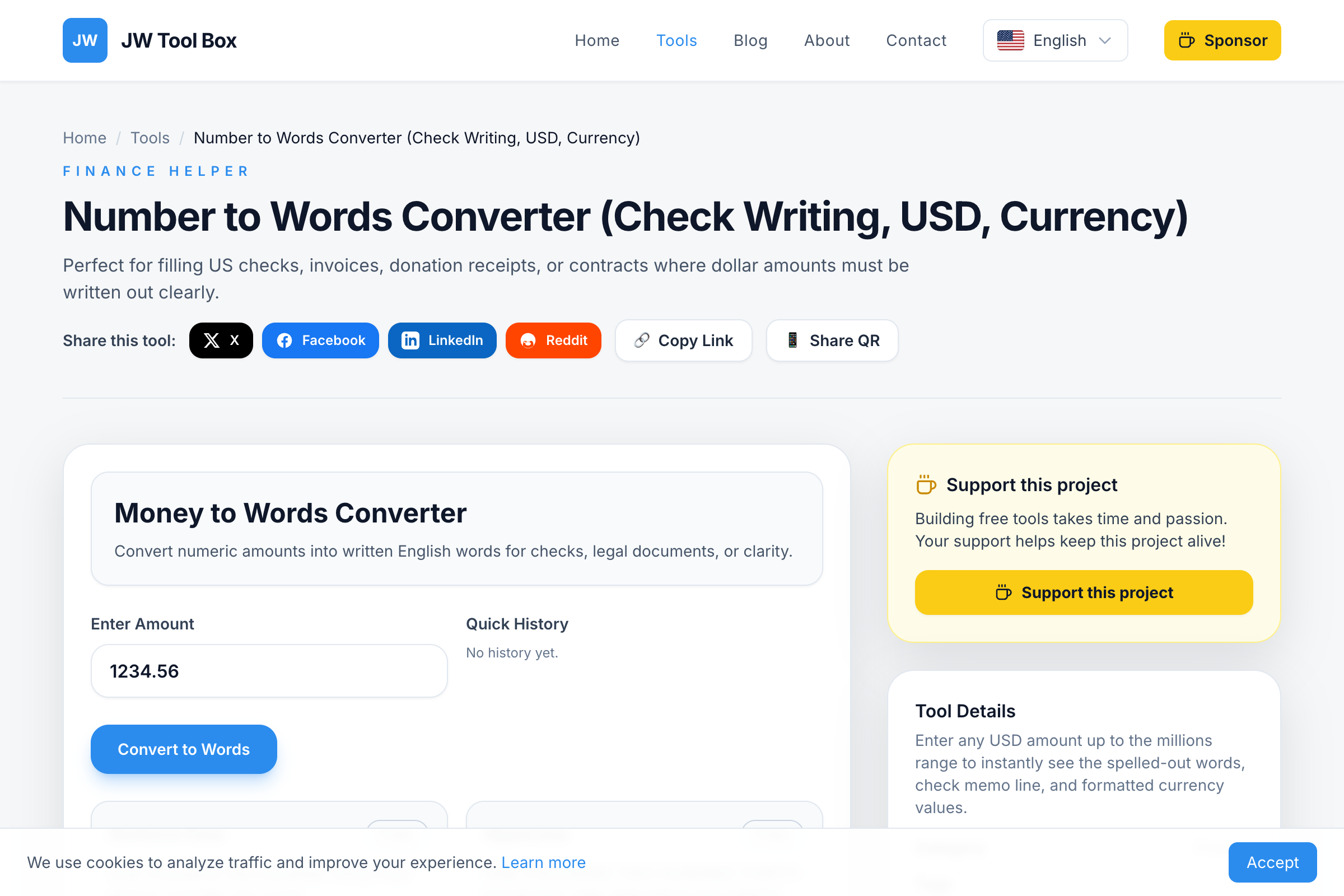
The safest way to generate that line consistently is the Number to Words Converter, especially when you are working through multiple checks or larger amounts.
The Standard Check-Writing Format
For most US checks, use this pattern:
[dollar words] + and + [cents]/100 Dollars
Examples:
One Hundred and 25/100 DollarsNine Hundred Ninety-Nine and 00/100 DollarsTwelve Thousand and 50/100 Dollars
The important detail is that the cents are usually written as a fraction, not spelled out as regular sentence text.
Copy-Ready Examples
| Numeric Amount | Written Amount |
|---|---|
| $45.00 | Forty-Five and 00/100 Dollars |
| $150.25 | One Hundred Fifty and 25/100 Dollars |
| $242.05 | Two Hundred Forty-Two and 05/100 Dollars |
| $1,000.00 | One Thousand and 00/100 Dollars |
| $12,000.50 | Twelve Thousand and 50/100 Dollars |
| $60,000.00 | Sixty Thousand and 00/100 Dollars |
| $200,000.75 | Two Hundred Thousand and 75/100 Dollars |
If you need a different value, open the converter, type the number, and copy the check-line output.
How to Fill the Check Correctly
1. Write the numeric amount in the box
Example:
$242.05
2. Write the full amount on the long line
Example:
Two Hundred Forty-Two and 05/100 Dollars
3. Start at the far left
Do not leave a large gap at the beginning of the line. Empty space makes it easier for someone to alter the amount.
4. Draw a line through unused space
If there is room left after the written amount, draw a line to the end so nothing can be added later.
5. Double-check the numeric and written amounts match
If they do not match, the written line can control the legal interpretation of the check.
How to Write Whole-Dollar Amounts
If there are no cents, use 00/100.
Examples:
$100.00-> One Hundred and 00/100 Dollars$1,500.00-> One Thousand Five Hundred and 00/100 Dollars$60,000.00-> Sixty Thousand and 00/100 Dollars
Do not leave the cents part blank.
How to Write Amounts With Small Cents
When the cents are less than 10, keep the leading zero.
Examples:
$242.05-> Two Hundred Forty-Two and 05/100 Dollars$19.09-> Nineteen and 09/100 Dollars
That leading zero matters because the fraction should always have two digits.
Common Mistakes
Using “and” in the wrong place
In check-writing style, and separates dollars from cents.
Safer:
- One Hundred Fifty and 25/100 Dollars
Less consistent:
- One Hundred and Fifty Dollars and Twenty-Five Cents
The fraction style is shorter, clearer, and standard on US checks.
Forgetting the cents completely
Even if the amount is a whole number, write:
- and 00/100 Dollars
That reduces ambiguity.
Misspelling “forty”
It is forty, not “fourty.” This is one of the most common manual errors.
Leaving room after the amount
Always fill or strike through the remaining space on the line.
Writing different amounts in the box and the line
If the numeric and written forms disagree, it creates a bank-processing problem you do not want.
When a Converter Is Better Than Doing It Manually
Manual check writing is fine for simple amounts like $50.00 or $100.00. It gets slower and riskier when you are writing:
- reimbursement checks
- rent payments
- invoice settlements
- donation checks
- large or awkward amounts like
$10,117,699.42
That is exactly where the Number to Words Converter helps. It gives you:
- a check-ready line
- uppercase output
- quick copy buttons
- consistent formatting for repeated paperwork
US Check Style vs General Writing Style
If you are writing a contract, invoice, or memo, sentence-style wording may be fine.
If you are writing a check, the more standard form is:
Amount in words and xx/100 Dollars
That is the format banks and accounting teams are most used to reading.
Related Guide
For a broader guide to USD number wording, examples, and converter formats, read Check Writing Converter: Numbers to Words for USD Checks (2026).
FAQ
How do I write zero cents on a check?
Use 00/100. Example: $250.00 becomes Two Hundred Fifty and 00/100 Dollars.
Do I need to write the cents as a fraction?
That is the standard and safest format for US checks. It is shorter and clearer than spelling out the cents in regular sentence form.
Should I use uppercase letters?
Many people prefer uppercase for the check line because it is harder to alter. The converter can help with that format.
Do I need to add the word “only”?
Some people do, but it is not required in most ordinary US check-writing workflows. The bigger priority is that the amount is complete and unambiguous.
Can I use the same format for very large amounts?
Yes. The pattern stays the same even for large values. For example, $200,000.75 becomes Two Hundred Thousand and 75/100 Dollars.
About the author
JW Tool Box - Editorial and product review team
JW Tool Box publishes hands-on guides tied directly to the site's browser-based tools. Content is updated when browser behavior, platform rules, or product requirements change in ways that affect real workflows. The goal is to provide practical instructions, tested defaults, and trustworthy reference content instead of thin keyword filler.
Related tools
Additional browser-based utilities that are closely related to this workflow.
-
Scientific Calculator (Math, Percent, History)
Perform fast calculations with scientific functions and history.
-
Number to Words Converter (Check Amount, USD, Currency)
Convert dollar amounts into English words and check-ready strings.
-
Salary Tax Calculator (Federal, Take-home, Paycheck)
Estimate federal income tax and take-home pay for any salary.