By JW Tool Box
Check Writing Converter: Numbers to Words for USD Checks (2026)
A free check writing converter that turns any dollar amount into correctly formatted words for US checks, contracts, and legal documents.
Why trust this guide
- Written by JW Tool Box around the actual workflow or linked tool on this page.
- Updated when browser behavior, file handling, or platform dimensions change in ways that affect the steps.
- Focused on practical settings, safe defaults, and real tradeoffs instead of generic filler.
TL;DR — Type a dollar amount, get the written form for checks. Example: $1,234.56 → One Thousand Two Hundred Thirty-Four and 56/100 Dollars. Open the converter →
Writing a check and blanking on how to spell out $2,450.00? You're not alone — "two thousand four hundred fifty" vs. "twenty-four hundred fifty" trips people up constantly, and banks do reject checks with incorrectly written amounts.
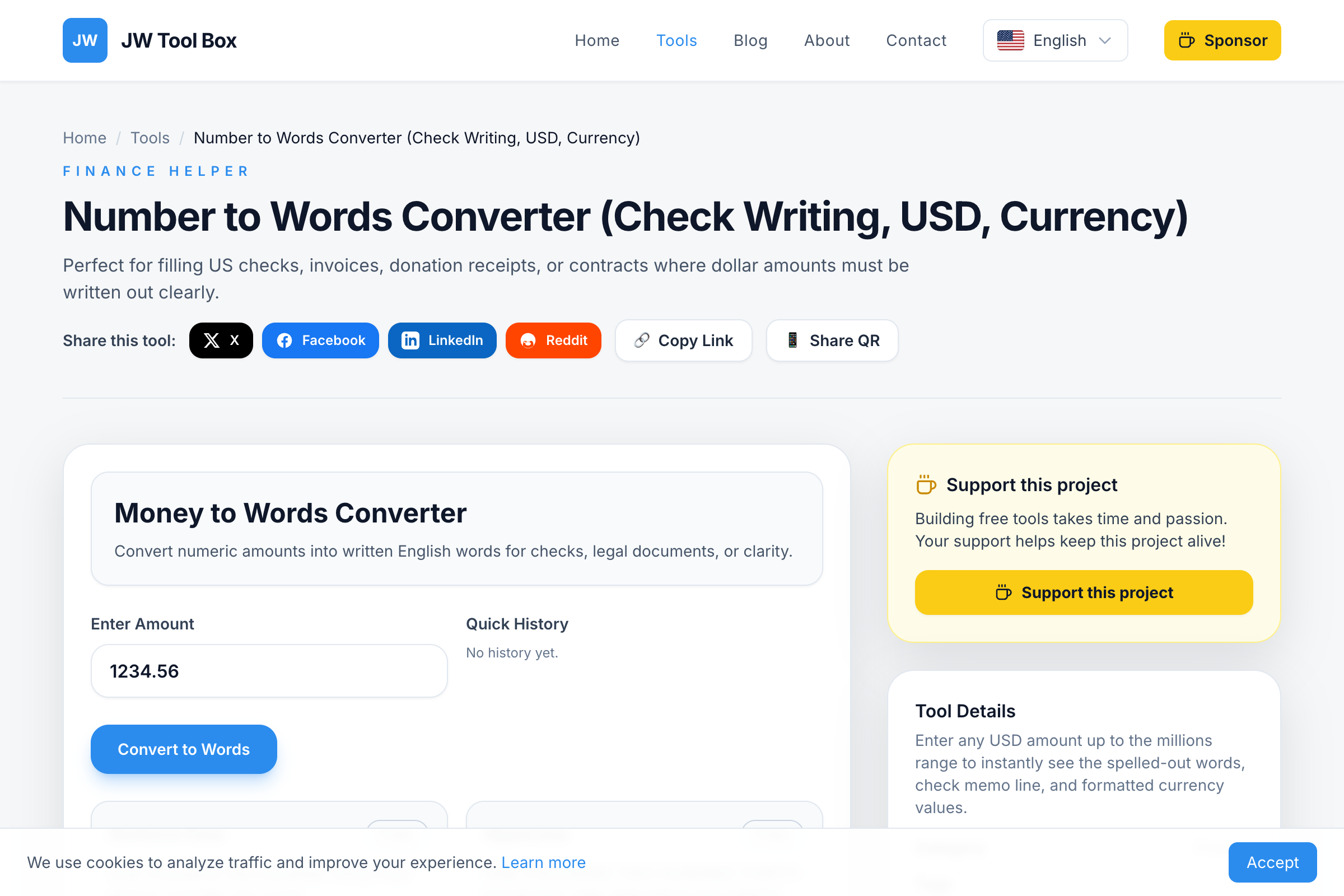
Our free Number to Words Converter takes the guesswork out: type the number, copy the result, done.
How Check Amounts Are Written
On US checks, the dollar amount must be written in two places:
- Numeric box:
$1,234.56 - Written line:
One Thousand Two Hundred Thirty-Four and 56/100 Dollars
The written amount is the legal amount—if the numeric and written amounts differ, banks use the written version. That's why accuracy matters.
How to Use the Converter
- Open the Tool: Visit the Number to Words Converter
- Enter Amount: Type any dollar amount (e.g., 1234.56)
- View Outputs: See multiple format options instantly
- Copy: One-click copy the format you need
Output Formats
The tool provides several formats for different needs:
| Format | Example | Use Case |
|---|---|---|
| Check Line | ONE THOUSAND TWO HUNDRED THIRTY-FOUR AND 56/100 DOLLARS | Official checks |
| Title Case | One Thousand Two Hundred Thirty-Four and 56/100 Dollars | Contracts |
| Spoken | One thousand two hundred thirty-four dollars and fifty-six cents | Reading aloud |
| Compact | $1,234.56 | Quick reference |
Check Writing Step-by-Step
Here's how to fill out a US check correctly:
1. Date (Top Right)
Write the current date: January 11, 2026
2. Payee (Pay to the Order Of)
Write the recipient's name: John Smith or ABC Company
3. Numeric Amount (Box)
Write the amount with decimal: $1,234.56
- Align to the left of the box to prevent alterations
- Include cents as decimals (.56, not 56¢)
4. Written Amount (Long Line)
Use our converter's output: One Thousand Two Hundred Thirty-Four and 56/100 Dollars
- Start writing at the far left
- Draw a line through unused space
- The word "Dollars" is often pre-printed
5. Memo (Optional)
Note the purpose: Rent - January 2026
6. Signature (Bottom Right)
Sign exactly as on your bank records
Common Check Amounts
| Numeric | Written |
|---|---|
| $100.00 | One Hundred and 00/100 Dollars |
| $250.50 | Two Hundred Fifty and 50/100 Dollars |
| $500.00 | Five Hundred and 00/100 Dollars |
| $1,000.00 | One Thousand and 00/100 Dollars |
| $1,500.75 | One Thousand Five Hundred and 75/100 Dollars |
| $2,345.67 | Two Thousand Three Hundred Forty-Five and 67/100 Dollars |
Number to Words FAQ
How are cents written on checks?
Cents are written as a fraction over 100. For $25.50, write "Twenty-Five and 50/100 Dollars." For whole dollar amounts, use "and 00/100."
What's the maximum amount I can convert?
The tool handles amounts up to the trillions. For most checks, you'll be well under the million-dollar range.
Do I need to write "and" before the cents?
Yes, "and" separates dollars from cents. "One Hundred and 50/100 Dollars" is correct. Never use "and" between other number words (it's "One Hundred Twenty," not "One Hundred and Twenty").
Should I use uppercase or lowercase?
Traditionally, the check line is written in UPPERCASE to prevent alterations. Our tool provides both uppercase and Title Case options.
What if there's a difference between numeric and written amounts?
Banks legally use the written amount as the official value. Always double-check that both match.
Can I use this for non-USD currencies?
The current format is optimized for US Dollars. You can adapt the wording for other currencies, but the output is specifically designed for USD conventions.
Common Mistakes When Writing Checks
These are the errors banks actually flag:
- Using "and" in the wrong place. "One Hundred and Twenty" is technically incorrect — "and" only separates dollars from cents. Write "One Hundred Twenty and 00/100 Dollars."
- Forgetting the fraction for cents. Always write cents as a fraction over 100, even for whole amounts: "and 00/100 Dollars." This prevents someone from adding digits.
- Spelling "forty" as "fourty." There is no U in forty. It's the single most common spelling error on checks.
- Not drawing a line through empty space. After writing the amount, draw a horizontal line to fill the remaining space on the line. This prevents anyone from adding words after your amount.
- Mismatching numeric and written amounts. The bank uses the written amount as the legal value. If you write $150 in the box but "One Hundred Fifteen" on the line, the check is worth $115.
Beyond Check Writing
The number-to-words format is also used for:
- Legal contracts: Amounts in written form prevent disputes
- Invoices: Some formal invoices include written amounts
- Donation receipts: Tax-deductible donations often require written amounts
- Loan documents: Principal amounts in legal agreements
- Real estate: Purchase prices in deeds and contracts
Tips for Accurate Check Writing
- Use ink - Never pencil, which can be erased
- Write neatly - Illegible amounts cause processing delays
- Fill all spaces - Draw lines through empty areas
- Match amounts - Numeric and written must agree
- Keep records - Note check number, amount, recipient, and date
- Sign consistently - Use the same signature as your bank records
Security Best Practices
- Start at the leftmost edge of the dollar box and written line
- Draw a line through any unused space after the amount
- Don't leave gaps between words
- Use permanent ink (ballpoint pen, not felt-tip)
- Store blank checks securely in a locked location
- Report stolen checks immediately to your bank
Try the Converter Now
Writing checks doesn't have to be stressful. Our Number to Words Converter gives you the correct format instantly—for any amount, in any style. Free, fast, and always accurate.
About the author
JW Tool Box - Editorial and product review team
JW Tool Box publishes hands-on guides tied directly to the site's browser-based tools. Content is updated when browser behavior, platform rules, or product requirements change in ways that affect real workflows. The goal is to provide practical instructions, tested defaults, and trustworthy reference content instead of thin keyword filler.
Related tools
Additional browser-based utilities that are closely related to this workflow.
-
Unit Converter (Length, Weight, Temp, Volume)
Convert length, weight, temperature, and volume instantly.
-
Scientific Calculator (Math, Percent, History)
Perform fast calculations with scientific functions and history.
-
Number to Words Converter (Check Amount, USD, Currency)
Convert dollar amounts into English words and check-ready strings.