By JW Tool Box
How to Embed Base64 Favicons in HTML (Zero HTTP Requests)
Inline a tiny favicon with a data URI when you want one less network request, but keep the rest of your icon stack normal.
Why trust this guide
- Written by JW Tool Box around the actual workflow or linked tool on this page.
- Updated when browser behavior, file handling, or platform dimensions change in ways that affect the steps.
- Focused on practical settings, safe defaults, and real tradeoffs instead of generic filler.
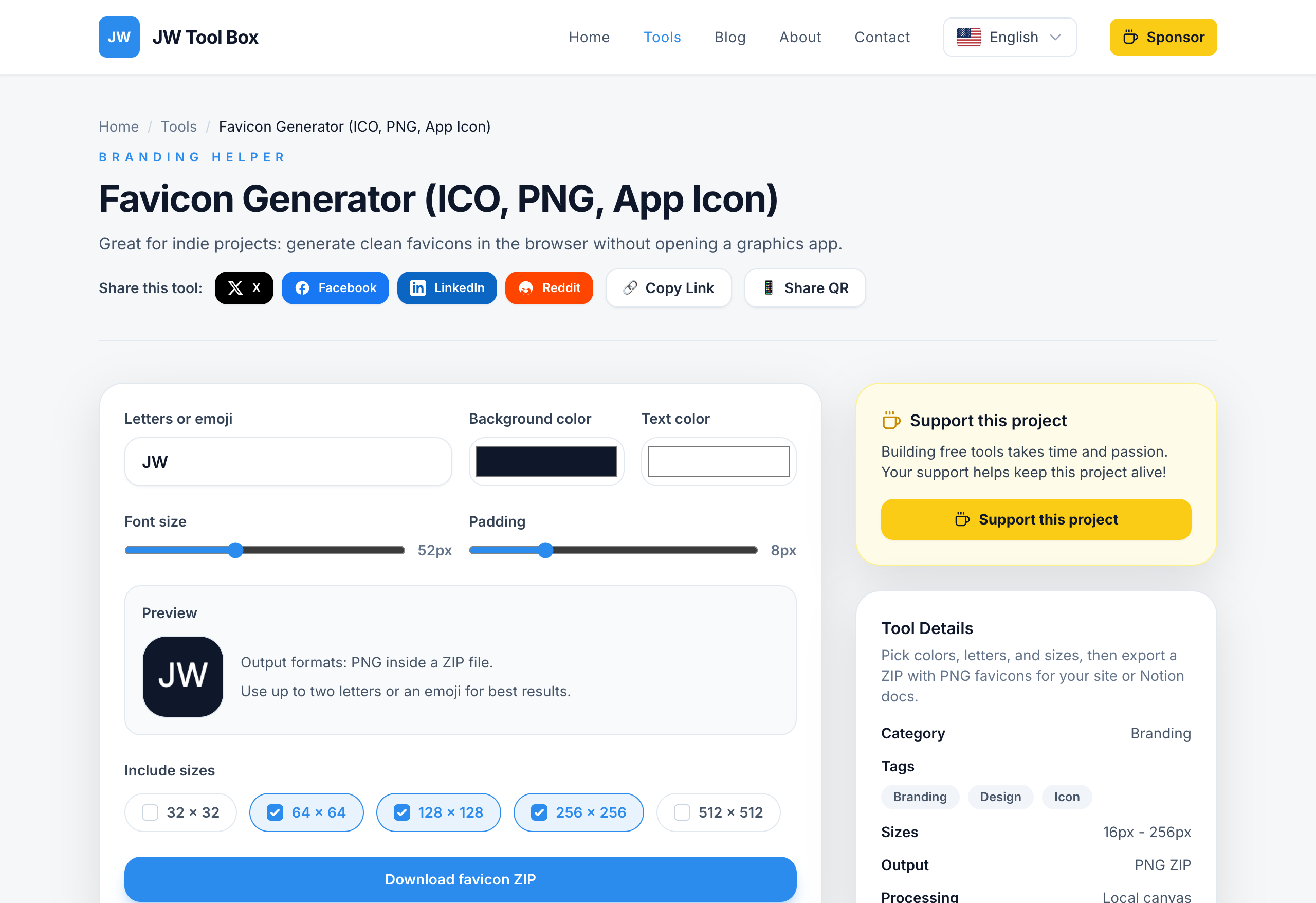
Inlining a favicon with Base64 is one of those optimizations that can be useful in the right place and pointless in the wrong one. It is not a universal requirement, but it can be a clean way to remove one small request for a tiny fallback icon.
The important part is understanding what to inline and what not to inline.
What a Base64 Favicon Is
Base64 encoding turns binary data into text. For favicons that means you can replace a normal file reference like this:
<link rel="icon" href="/favicon.ico">
with an inline data URI:
<link rel="icon" type="image/png" href="data:image/png;base64,..." />
The browser reads the text, decodes the icon, and does not need to request a separate file for that specific favicon.
The Benefits
- one less network request for the smallest fallback icon
- no missing favicon file noise in logs
- useful for tiny static pages, prototypes, or tightly controlled HTML shells
When It Makes Sense
Use Base64 favicons when:
- the favicon is tiny
- you control the HTML directly
- you want an inline fallback for a small static page
- you understand that this is a minor optimization, not a replacement for a complete icon set
When It Does Not Make Sense
Do not inline your entire icon stack. Large 180x180, 192x192, or 512x512 assets will just bloat the HTML. Keep those as normal files referenced from your head or manifest.
Best practice:
- inline only a very small fallback icon if you want to inline anything at all
- keep Apple touch and manifest icons as external files
- treat Base64 as an optional layer, not your whole favicon strategy
How To Prepare the Icon
- Start with a simple icon that still reads at very small sizes.
- Use the Favicon Generator or your existing design workflow to create a small PNG source.
- Convert only the tiny fallback icon to Base64.
- Paste the resulting data URI into the
hrefattribute.
If your source mark is too detailed, Base64 does not solve the real problem. The icon still needs to be legible at small sizes.
Example HTML
<link
  rel="icon"
  type="image/png"
  href="data:image/png;base64,iVBORw0KGgoAAAANSUhEUgAA..."
>
You can keep your larger assets as separate files:
<link rel="apple-touch-icon" sizes="180x180" href="/apple-touch-icon.png">
<link rel="manifest" href="/site.webmanifest">
Common Mistakes
- inlining a large icon and making the HTML heavier than the request you were trying to avoid
- forgetting to keep the rest of the favicon stack in place
- using the wrong MIME type in the data URI
- trying to fix a blurry icon with encoding instead of redesigning the icon itself
FAQ
Is Base64 faster than a normal favicon file?
Sometimes, for a tiny fallback icon. The win is usually small, so treat it as a refinement, not a primary performance strategy.
Should I inline my 512x512 icon?
No. Keep large icons as normal files.
Can Base64 replace Apple touch icons and manifest icons?
No. Those assets should still be referenced normally.
About the author
JW Tool Box - Editorial and product review team
JW Tool Box publishes hands-on guides tied directly to the site's browser-based tools. Content is updated when browser behavior, platform rules, or product requirements change in ways that affect real workflows. The goal is to provide practical instructions, tested defaults, and trustworthy reference content instead of thin keyword filler.
Related guides
-
Favicon Size Guide 2026: Exact Dimensions for ICO, PNG, SVG, and Apple Touch Icons
If you only need the answer, use this favicon size set for most modern sites: 16x16 and 32x32 inside favicon.ico, a 32x32 PNG for crisp browser tabs, a 180x180 Apple Touch Icon, a 192x192 PWA icon, and a 512x512 PWA icon. In the early web, a single favicon.ico file was enough. Today that is only the fallback layer. Modern sites usually need a small browsertab icon, a few PNG assets for higherd…
-
Minimal Valid favicon.ico: Tiny 16x16 Fallbacks, Base64, and Real Examples (2026)
If you are searching for a minimal valid favicon.ico, you usually do not want a full designsystem discussion. You want the smallest setup that still works without breaking browser fallbacks. That is a narrower problem than a normal favicon guide, and the answer is also narrower: a tiny fallback can be valid, but it is not a complete favicon strategy. TL;DR — A minimal favicon setup can be as s…
Related tools
Additional browser-based utilities that are closely related to this workflow.
-
Favicon Generator (PNG, Multi-Size)
Generate crisp favicon PNGs locally and export a ZIP.
-
Resize Image for Instagram & Facebook (No Quality Loss)
Resize images to exact dimensions and convert to WebP, JPEG, or PNG entirely in your browser.