By JW Tool Box
From Prototype to Production: Essential Free Tools for UI Designers (2026 Guide)
Stop wasting time searching for scattered utilities. Here is a curated workflow of free, privacy-focused browser tools to speed up your design-to-code process.
Why trust this guide
- Written by JW Tool Box around the actual workflow or linked tool on this page.
- Updated when browser behavior, file handling, or platform dimensions change in ways that affect the steps.
- Focused on practical settings, safe defaults, and real tradeoffs instead of generic filler.
In the fast-paced world of UI design and frontend development, context switching is the enemy of productivity. You're in the zone, building a component, and suddenly you need 5 paragraphs of dummy text. Or you receive a batch of HEIC photos from a client that need to be web-ready JPGs.
Instead of installing heavy software or uploading sensitive files to unknown servers, you can handle your entire "assets & utility" workflow right here in the browser.
Here is a breakdown of the essential free tools that every designer should have in their bookmark bar for 2026.
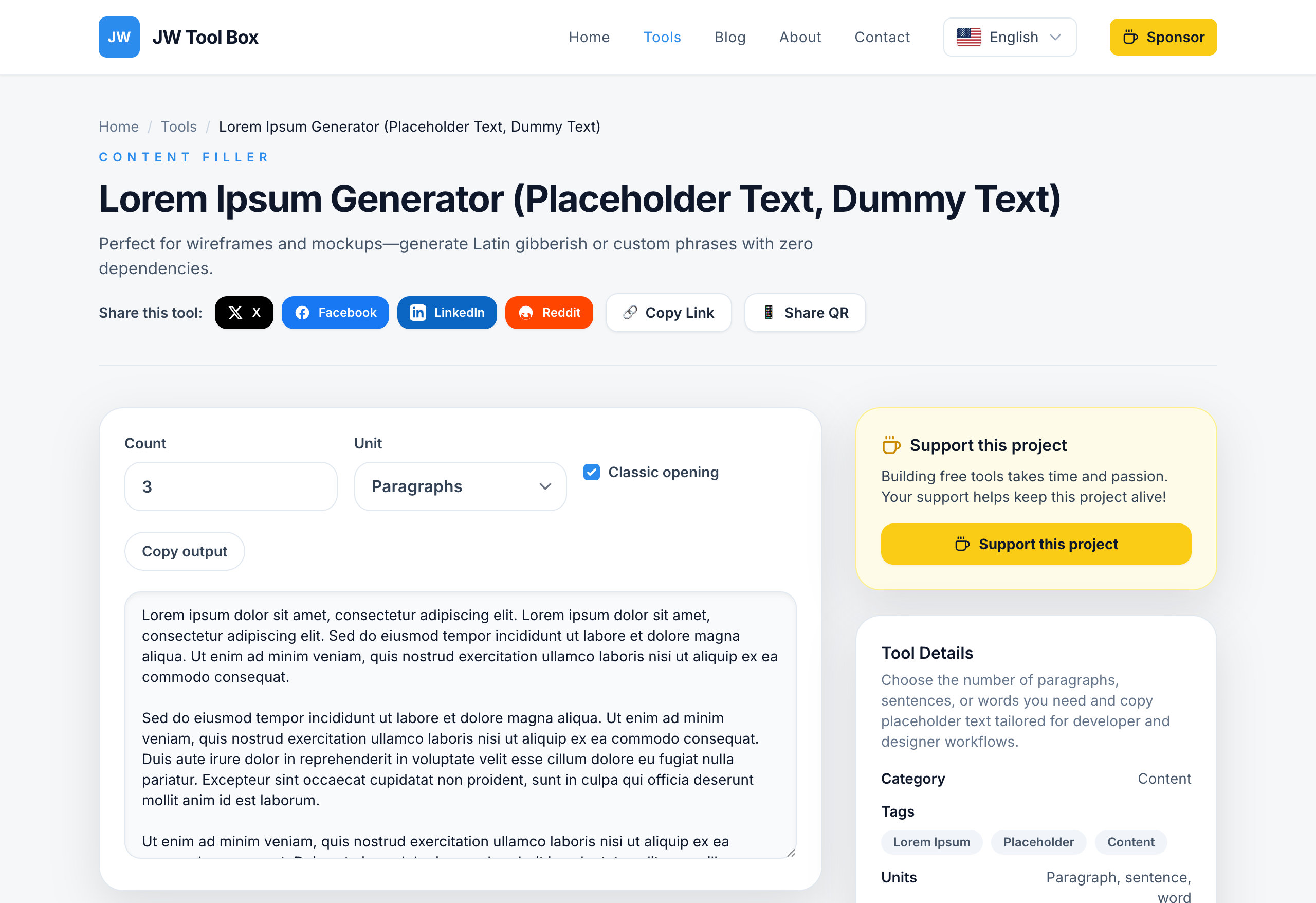
1. The Content Filler: Lorem Ipsum Generator
The Problem: You are designing a blog layout or a testimonial card, and you need realistic-looking text to test line heights and truncation logic. "Test test test" doesn't cut it.
The Solution: A flexible Lorem Ipsum Generator capable of generating everything from single sentences to multiple paragraphs.
Why use it?
- Visual Balance: Latin text has a normal distribution of letters, making it look like readable English without distracting the viewer with meaningful content.
- Variable Lengths: Test your design against short titles or long-form articles instantly.
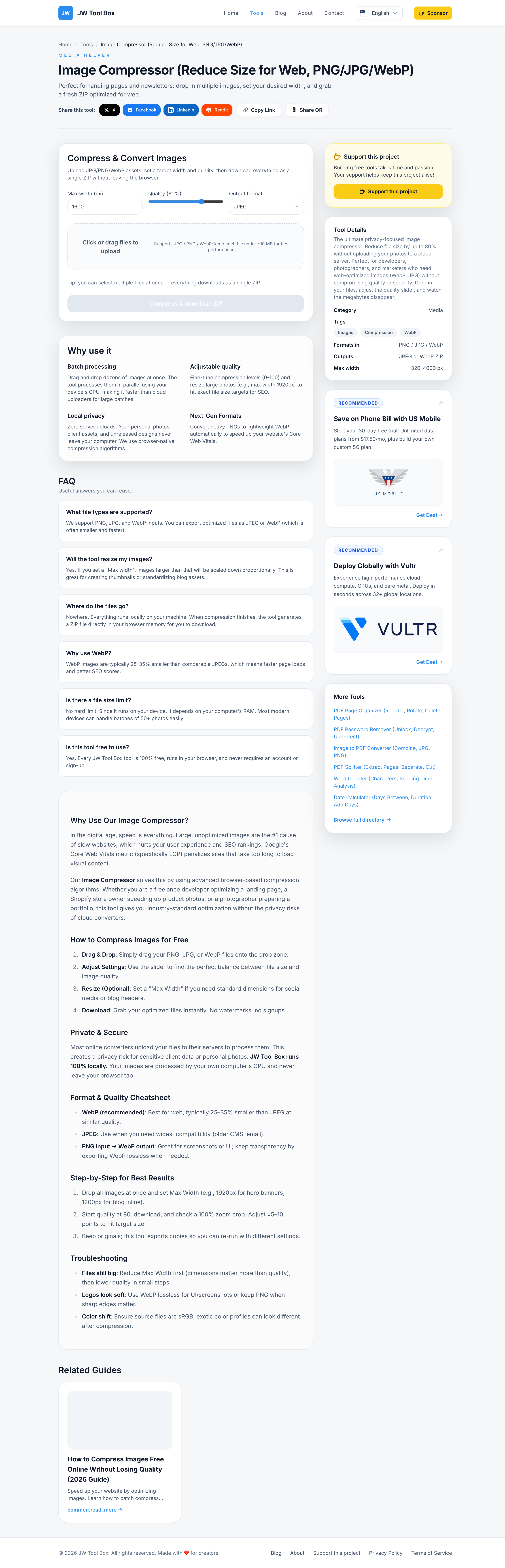
2. The Asset Optimizer: Image Compressor & Resizer
The Problem: You have high-res unsplash images or raw exports from Figma/Sketch, but they are too large (3MB+) for the web. Loading these will tank your Lighthouse score.
The Solution: Use an Image Compressor and Image Resizer to prep assets for production.
Best Practices:
- Scale Down: Don't serve a 4000px wide image in a 300px card. Resize it first.
- Next-Gen Formats: Convert standard PNG/JPGs to WebP for significant size savings (often 30-50% smaller) with no visible quality loss.
- Privacy First: Unlike many online compressors, JW Tool Box processes images locally in your browser. Your assets never touch our servers.
3. The Format Fixer: HEIC to JPG Converter
The Problem: iPhone photos are saved as HEIC by default. While efficient, this format is technically unsupported by most web browsers and CMS platforms.
The Solution: A client-side HEIC to JPG Converter.
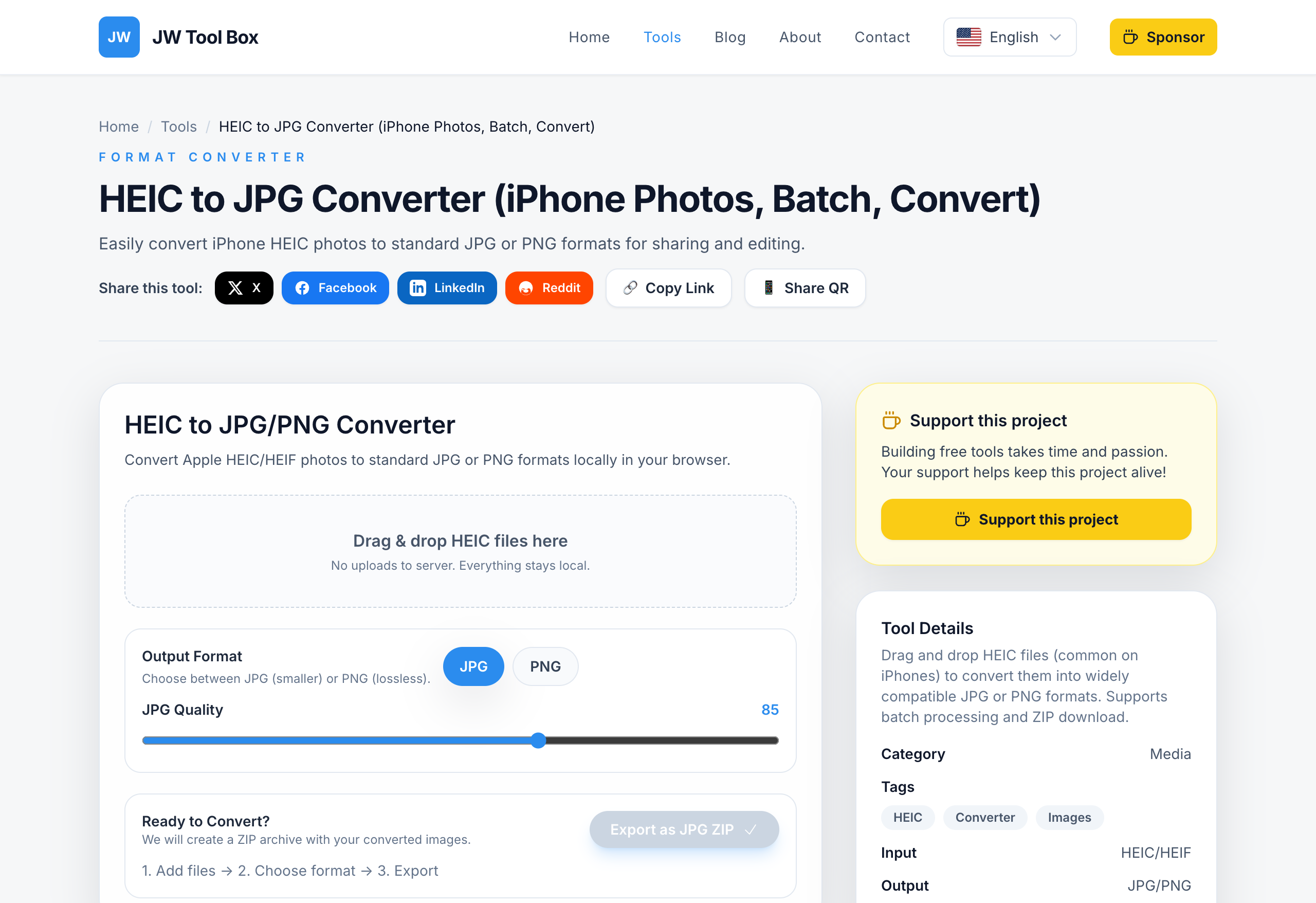
Workflow Tip: Drag and drop your batch of iPhone shots, convert them to high-quality JPGs instantly, and then run them through the compressor mentioned above for a completely web-ready pipeline.
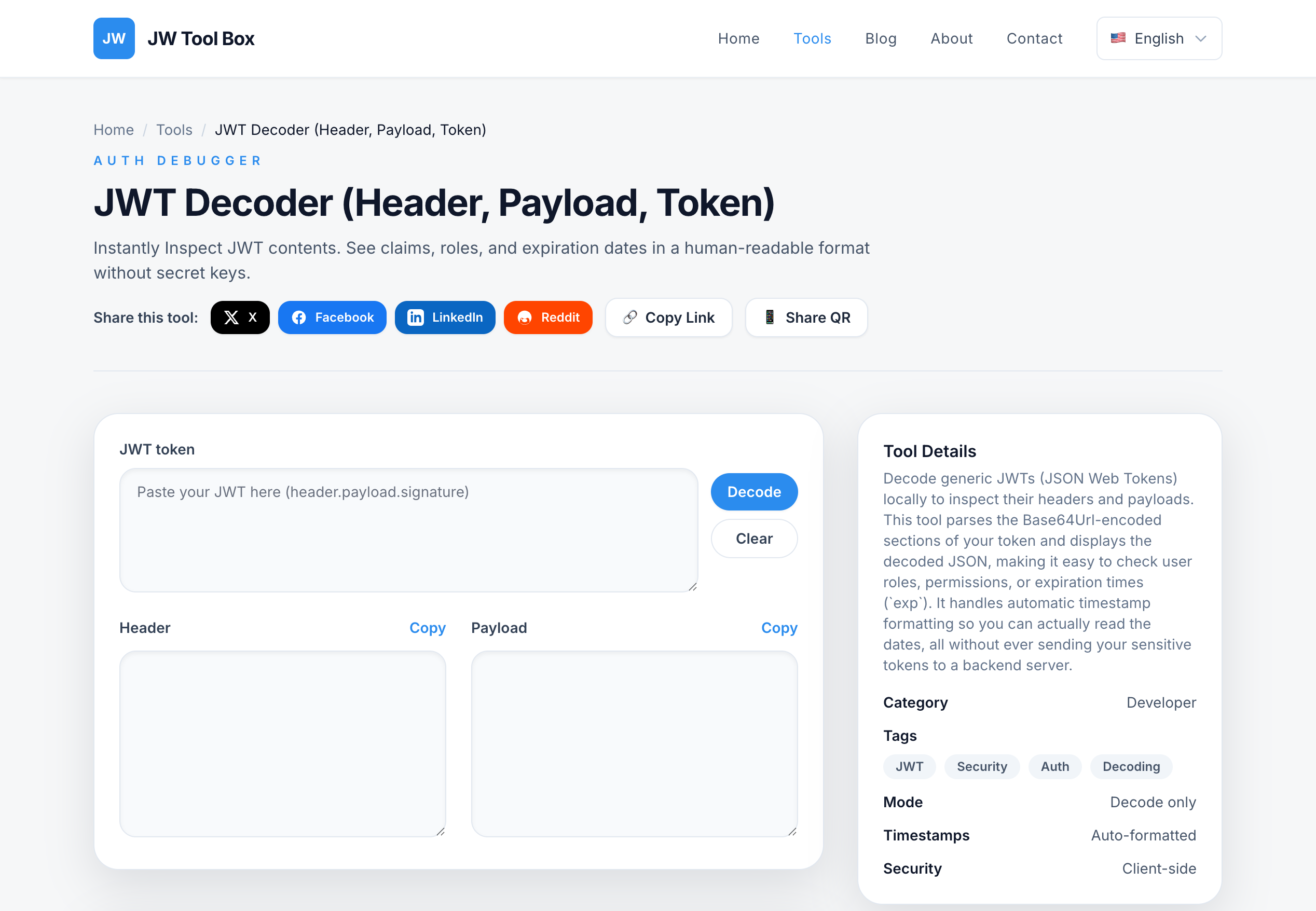
4. The Auth Debugger: JWT Decoder
The Problem: You are implementing a login screen or testing a restricted dashboard area, but your API calls are failing. You suspect the authentication token might be expired or missing a specific role claim.
The Solution: A JWT Decoder allows you to inspect the payload of your JSON Web Tokens instantly.
What to look for:
exp(Expiration): Check if the token date has passed.scopeorrole: Verify the user actually has the permissions your UI expects.- Safety Note: Never paste real production tokens into server-side decoders. Our tool runs client-side, making it a safer choice for quick debugging.
5. The Document Handler: PDF Merger
The Problem: You need to send a single design spec, contract, or invoice to a client, but the information is scattered across three different PDF exports.
The Solution: A drag-and-drop PDF Merger.
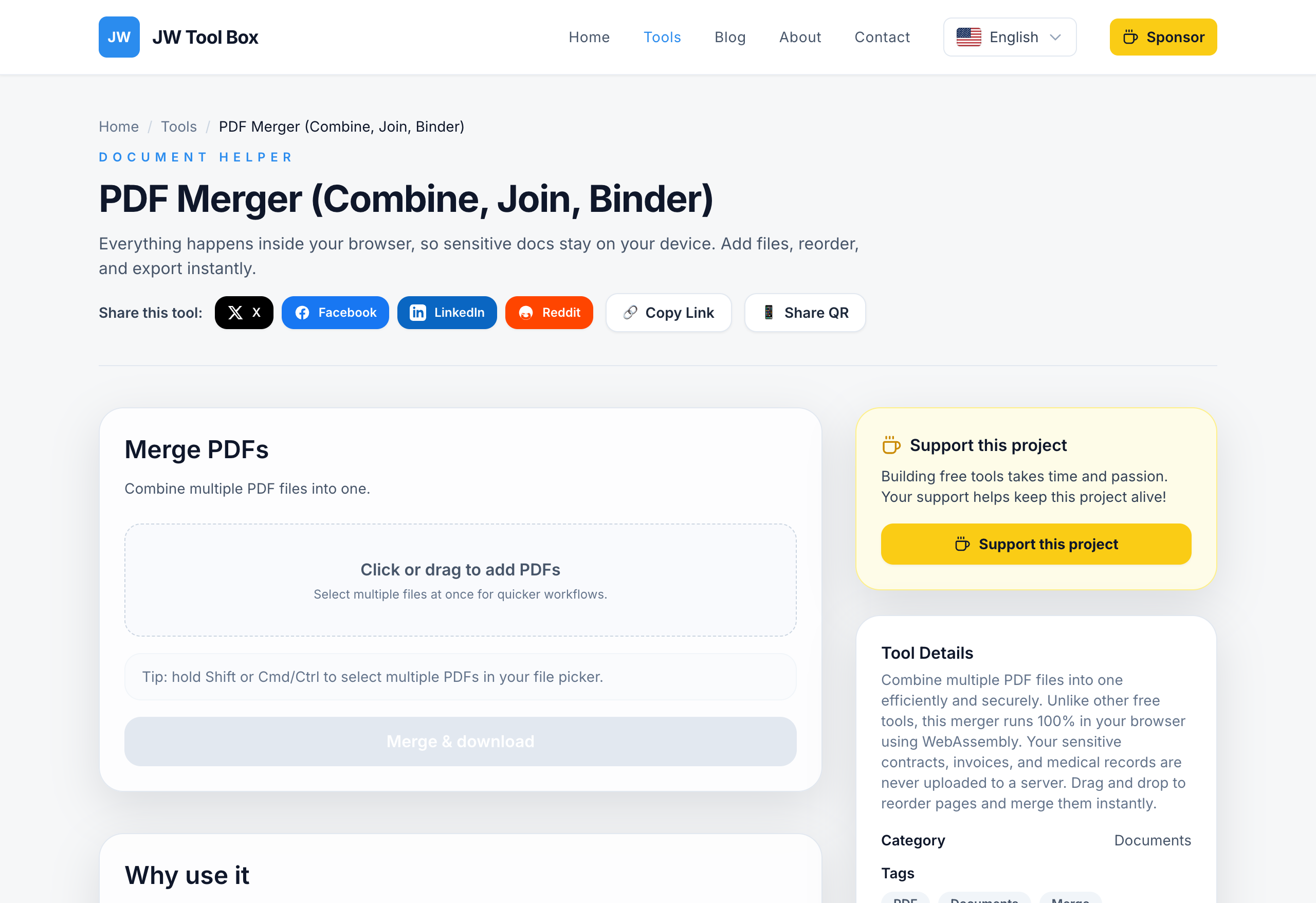
Why it matters: Sending a single, organized file looks more professional than attaching five separate "Part 1, Part 2..." documents. It keeps your project deliverables clean and easy for stakeholders to review.
Conclusion
Your toolset defines your speed. By bookmarking these privacy-focused, browser-based utilities, you remove friction from your daily workflow. No uploads, no waiting, just instant results.
Ready to optimize your workflow? Explore the full JW Tool Box directory now.
About the author
JW Tool Box - Editorial and product review team
JW Tool Box publishes hands-on guides tied directly to the site's browser-based tools. Content is updated when browser behavior, platform rules, or product requirements change in ways that affect real workflows. The goal is to provide practical instructions, tested defaults, and trustworthy reference content instead of thin keyword filler.