By JW Tool Box
Free World Clock Tool for Remote Teams: Time Zone Converter (2026)
Plan meetings across time zones easily with our free world clock tool. Add any city, compare times side-by-side, and never schedule a 3 AM call again.
Why trust this guide
- Written by JW Tool Box around the actual workflow or linked tool on this page.
- Updated when browser behavior, file handling, or platform dimensions change in ways that affect the steps.
- Focused on practical settings, safe defaults, and real tradeoffs instead of generic filler.
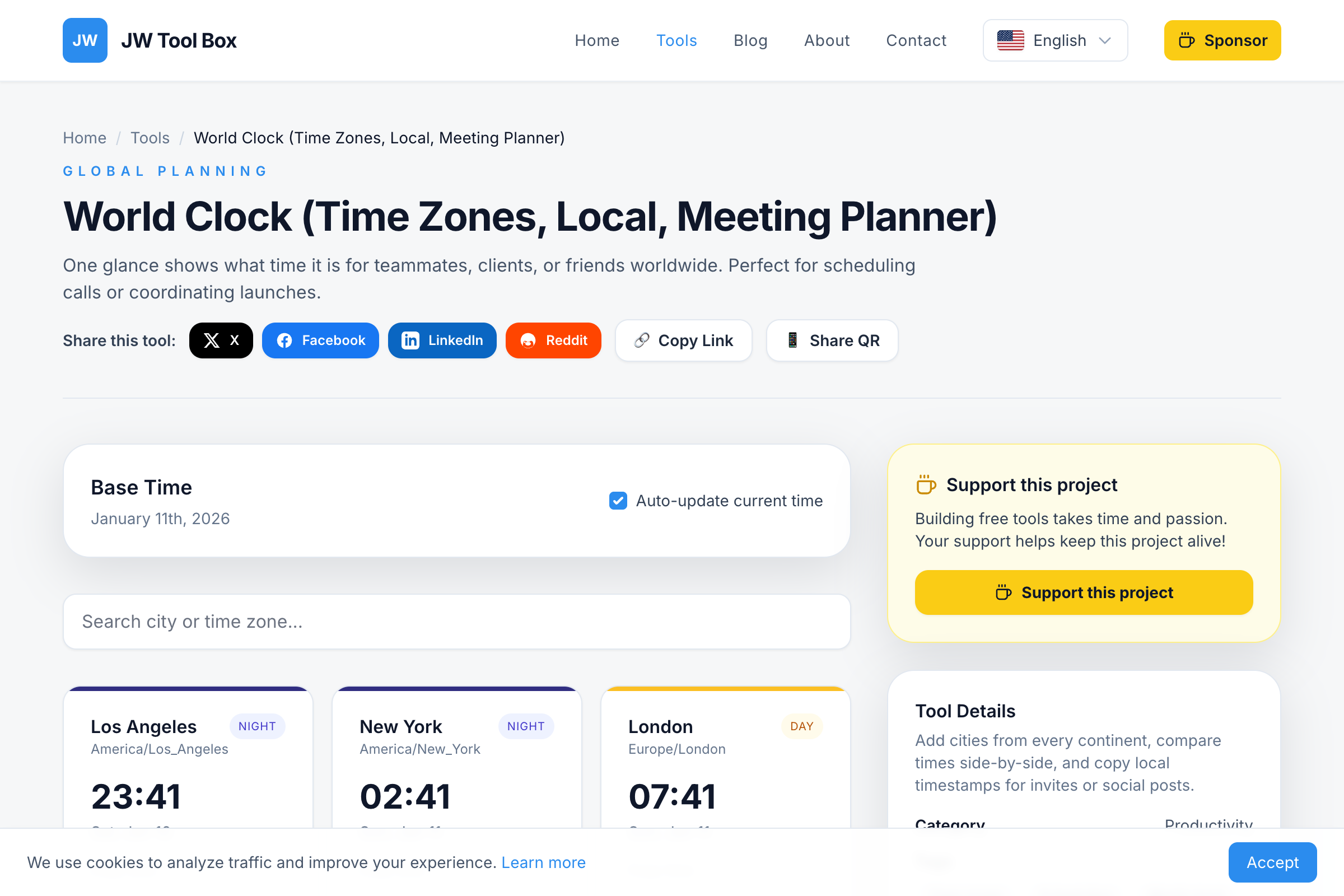
Working with a global team? Our free World Clock tool shows you the current time across multiple cities at a glance—no more mental math or accidentally scheduling calls at 3 AM.
Why You Need a World Clock Tool
Remote work has gone global. Your team might span:
- Development in India (IST, UTC+5:30)
- Design in London (GMT/BST)
- Sales in New York (EST/EDT)
- Support in Tokyo (JST, UTC+9)
Finding meeting times that work for everyone is a puzzle. Our world clock solves it by showing all time zones simultaneously.
How to Use the World Clock
- Open the Tool: Go to the World Clock
- Add Cities: Search for any city or time zone and pin it to your dashboard
- Compare Times: See all your selected cities update in real-time
- Plan Meetings: Find the overlap window where everyone is awake
- Copy Timestamps: Grab formatted times for calendar invites or messages
Key Features
🌍 Global City Database
Search by city name, country, or time zone abbreviation. We support every major city and all IANA time zones (America/New_York, Europe/London, Asia/Tokyo, etc.).
⏰ Real-Time Updates
All clocks tick together in real-time. Leave the tab open during work hours and always know what time it is for your colleagues.
🌙 Day/Night Indicators
Visual cues show whether it's daytime, evening, or the middle of the night in each location. Avoid scheduling calls during someone's sleep hours.
📅 DST Automatic Handling
Daylight Saving Time rules vary by country and region. Our tool uses the browser's Intl API to automatically apply the correct offset—no manual adjustments needed.
📋 Copy-Ready Timestamps
Generate formatted time strings like "Wed 09:00 PT / 17:00 GMT" to paste into emails, Slack messages, or calendar invites.
Common Time Zone Scenarios
US to Europe Meetings
The sweet spot is usually 9-11 AM EST (2-4 PM GMT). Morning in New York, afternoon in London, before end-of-day in Berlin.
US to Asia Pacific
This is the hardest overlap. Try 7-9 AM PST (11 PM - 1 AM JST next day) or 5-7 PM PST (10 AM - 12 PM JST next day).
Europe to Asia
Morning in Europe (9 AM GMT = 6 PM JST) works well for end-of-day syncs in Asia.
World Clock FAQ
Does the tool handle Daylight Saving Time?
Yes, automatically. When DST starts or ends, the displayed times adjust without any action from you. This includes tricky cases like the US and UK changing clocks on different dates.
Can I add any city in the world?
Yes, our database covers all major cities and time zones. Start typing to search—if a city doesn't appear, try searching for its country or the nearest major city.
Does it work offline?
Yes! Once the page loads, the clocks continue running using JavaScript. Your pinned cities are stored in the browser, though they reset when you refresh.
How accurate is the time?
The clocks sync to your device's system time and apply precise timezone offsets. If your computer's clock is wrong, the world clock will be too—but relative differences between cities are always correct.
Is there a limit to how many cities I can add?
No hard limit, but 5-8 cities is practical for most screens. Too many clocks can become hard to scan at a glance.
Tips for Remote Team Scheduling
- Anchor on one timezone - Pick a reference (usually HQ or the majority of the team) and express all times relative to it
- Use 24-hour format - Reduces AM/PM confusion across cultures
- Rotate meeting times - If someone always takes the early/late slot, share the burden
- Block focus time - Don't let overlap hours consume entire workdays
- Record meetings - Let async viewers catch up without attending live
Popular City Time Differences from UTC
| City | UTC Offset | Summer (DST) |
|---|---|---|
| Los Angeles | UTC-8 | UTC-7 |
| New York | UTC-5 | UTC-4 |
| London | UTC+0 | UTC+1 |
| Paris/Berlin | UTC+1 | UTC+2 |
| Dubai | UTC+4 | No DST |
| Mumbai | UTC+5:30 | No DST |
| Singapore | UTC+8 | No DST |
| Tokyo | UTC+9 | No DST |
| Sydney | UTC+11 | UTC+10 |
Try the World Clock Now
Stop guessing what time it is across the globe. Our World Clock Tool is free, fast, and works right in your browser. Add your team's cities and find that perfect meeting time.
About the author
JW Tool Box - Editorial and product review team
JW Tool Box publishes hands-on guides tied directly to the site's browser-based tools. Content is updated when browser behavior, platform rules, or product requirements change in ways that affect real workflows. The goal is to provide practical instructions, tested defaults, and trustworthy reference content instead of thin keyword filler.