By JW Tool Box
The Hidden Risk of Online Code Formatters (And How to Stay Safe)
Stop pasting your API keys and database queries into random websites. Learn why client-side tools are the only safe way to format and validate code online.
Why trust this guide
- Written by JW Tool Box around the actual workflow or linked tool on this page.
- Updated when browser behavior, file handling, or platform dimensions change in ways that affect the steps.
- Focused on practical settings, safe defaults, and real tradeoffs instead of generic filler.
We've all done it. You have a messy, minified JSON response or a chaotic SQL query, and you search for "online json formatter", "beautify mysql query", or "mysql formatter". You paste your code into the first result, get the clean output, and move on.
But have you ever stopped to ask: Where did my data just go?
The Server-Side Trap
Most older online tools work by sending your data to their backend server. That server processes the text and sends the result back to you. This creates a massive security vulnerability:
- Server Logs: The website owner might log every request for "debugging" purposes. If you pasted a config file with an API key, it's now in their logs.
- Man-in-the-Middle: If the site doesn't use perfect HTTPS security, your data travels across the internet.
- Data Harvesting: Some "free" tools exist solely to harvest data for training AI models or analytics.
The Solution: Client-Side Processing
The modern web (HTML5 and WebAssembly) allows us to build tools that run 100% in your browser. When you use a client-side tool, your data never leaves your computer. It is processed by your CPU, in your memory, and the "Internet" connection is only used to load the tool itself.
Essential Privacy-First Developer Tools
At JW Tool Box, we strictly adhere to a "Local Processing Only" policy. Here are the tools you should use to replace their insecure counterparts:
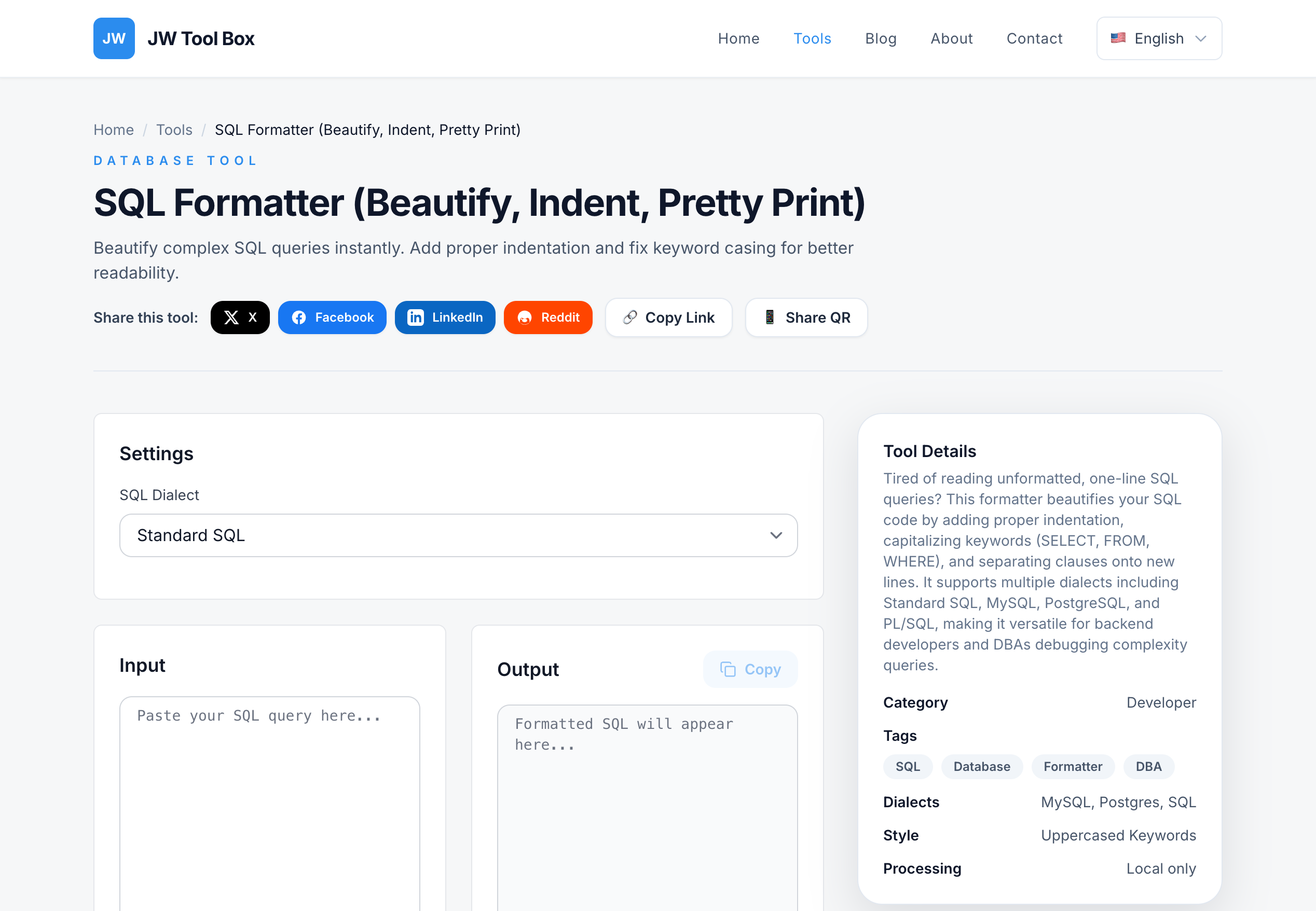
1. SQL Formatter
Risk: Pasting proprietary database schemas or queries containing customer PII (Personally Identifiable Information).
Safe Way: Our SQL formatter parses your query locally using JavaScript. Your business logic remains yours.
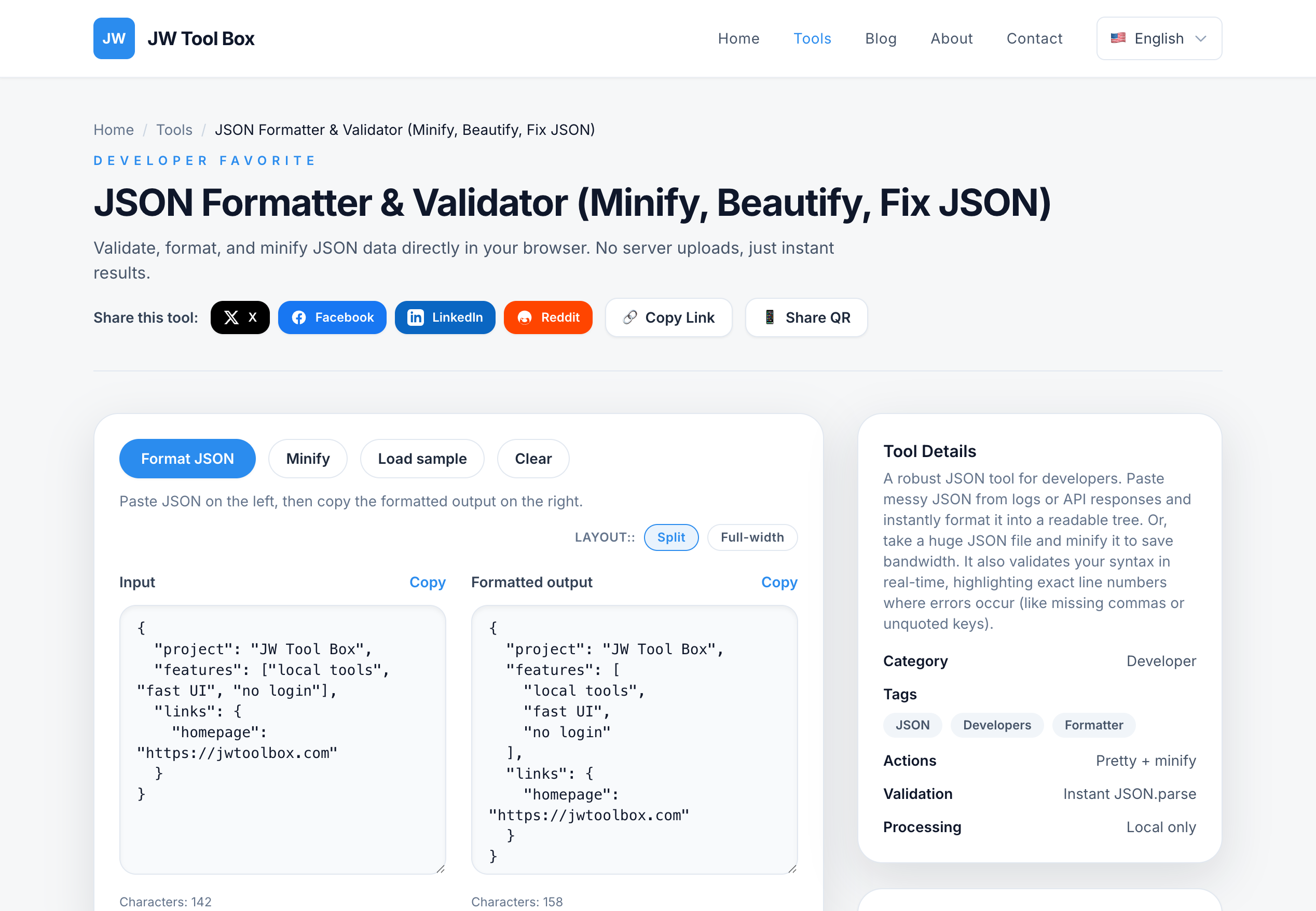
2. JSON & YAML Converters
Risk: Configuration files often contain "Secrets"—passwords, API tokens, and private keys.
Safe Way: Never upload these. Use our local converters to validate Kubernetes configs or JSON payloads without the risk of a leak.
3. JWT Decoder
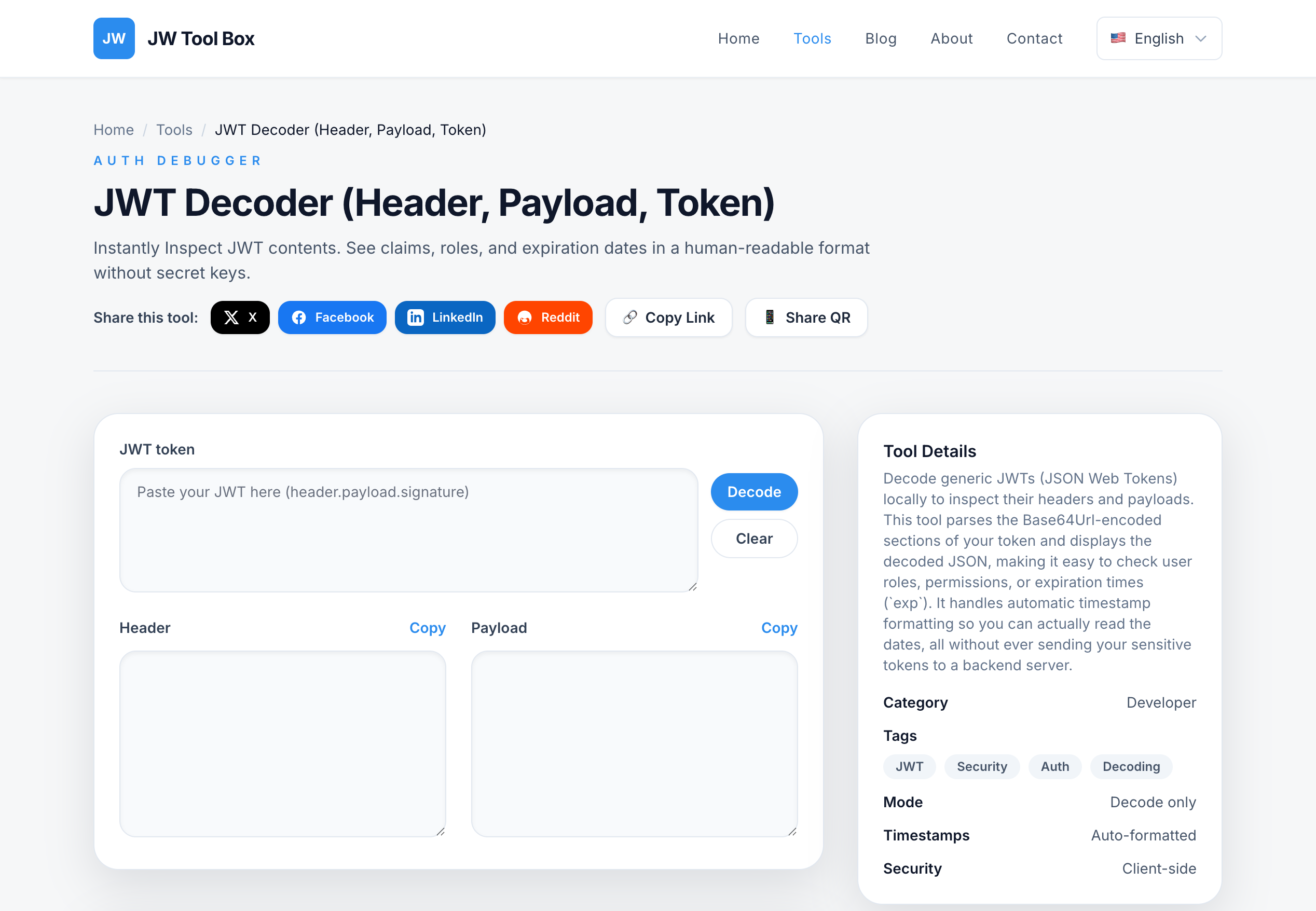
Risk: JSON Web Tokens (JWTs) contain user session data. If a malicious site intercepts a valid JWT, they can hijack your user's session.
Safe Way: Use a client-side decoder. It simply Base64-decodes the payload part of the token effectively and safely on your screen.
How to Check if a Tool is Safe
Before pasting sensitive data, check these signs:
- Disconnect the Internet: Load the page, then turn off Wi-Fi. If the tool still works, it's likely client-side. (JW Tool Box works fully offline!).
- Check the Network Tab: Open Developer Tools (F12) -> Network. Paste your text. Do you see a POST request sending your text? If yes, close the tab immediately.
- Read the "About" Section: Look for explicit promises about "Client-side" or "Local processing".
Conclusion
Convenience shouldn't cost you your security. In 2026, there is no excuse for using server-side formatters for sensitive code. Switch to client-side utilities and keep your data where it belongs: on your machine.
About the author
JW Tool Box - Editorial and product review team
JW Tool Box publishes hands-on guides tied directly to the site's browser-based tools. Content is updated when browser behavior, platform rules, or product requirements change in ways that affect real workflows. The goal is to provide practical instructions, tested defaults, and trustworthy reference content instead of thin keyword filler.