By JW Tool Box
Text Case Converter Tool: Uppercase, Lowercase, CamelCase Online Free (2026)
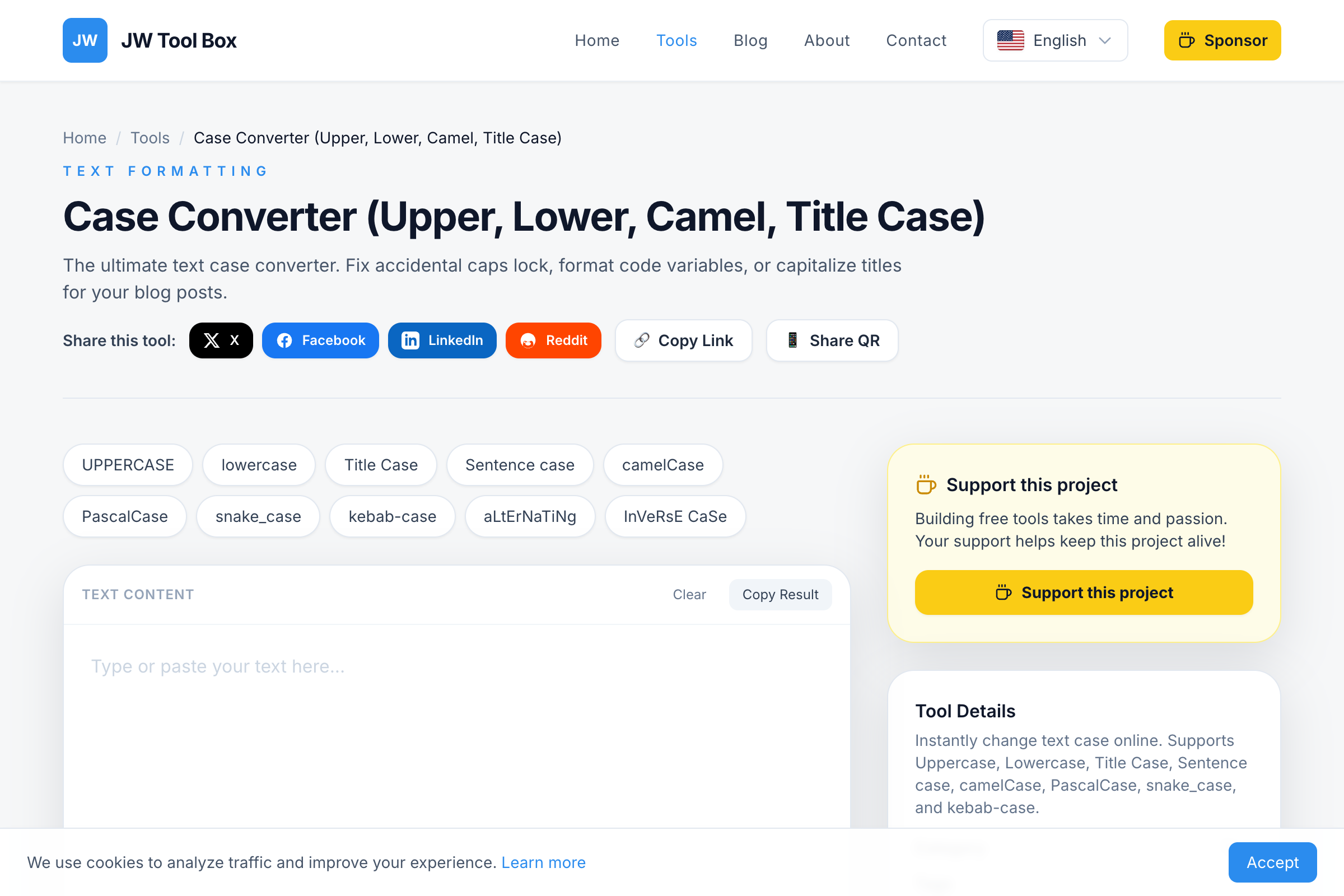
Transform text between any case format instantly. Our free online tool supports 10+ formats including UPPERCASE, lowercase, Title Case, camelCase, snake_case, and kebab-case.
Why trust this guide
- Written by JW Tool Box around the actual workflow or linked tool on this page.
- Updated when browser behavior, file handling, or platform dimensions change in ways that affect the steps.
- Focused on practical settings, safe defaults, and real tradeoffs instead of generic filler.
Accidentally left Caps Lock on? Need to convert variable names to camelCase? Our free Case Converter Tool transforms text between any format in one click.
All Case Formats in One Tool
Whether you're a writer, developer, or just fixing a typo disaster, our converter handles every common text case:
| Format | Example | Best For |
|---|---|---|
| UPPERCASE | HELLO WORLD | Acronyms, headers, legal text |
| lowercase | hello world | Normalizing input, email addresses |
| Title Case | Hello World | Headlines, book titles |
| Sentence case | Hello world | Normal paragraphs, UI text |
| camelCase | helloWorld | JavaScript, Java variables |
| PascalCase | HelloWorld | Class names, React components |
| snake_case | hello_world | Python, database fields |
| kebab-case | hello-world | URLs, CSS classes |
| CONSTANT_CASE | HELLO_WORLD | Constants, environment variables |
| dot.case | hello.world | Package names, file extensions |
How to Convert Text Case
- Open the Tool: Visit the Case Converter
- Paste Your Text: Enter any text in the input area
- Choose Format: Select your desired case format
- Copy Result: One click copies the converted text
That's it—instant conversion with no limits on text length.
Common Use Cases
Fix Accidental Caps Lock
We've all done it. You type an entire paragraph before noticing CAPS LOCK WAS ON. Instead of retyping, paste it into our tool and convert to sentence case.
Convert Variable Names
Switching between programming languages? Convert your variables:
myVariableName→my_variable_name(JavaScript to Python)my_variable_name→myVariableName(Python to JavaScript)my-class-name→myClassName(CSS to React)
Standardize Data
Normalizing a list of names for a database? Convert everything to lowercase first, then to Title Case for display.
Format Headlines
Writing blog post titles? Title Case capitalizes the right words automatically, following standard capitalization rules.
Create URL Slugs
Need a URL-friendly version of a title? Convert to kebab-case for clean, SEO-friendly URLs:
- "How to Convert Text" →
how-to-convert-text
Case Format Deep Dive
UPPERCASE
Converts all letters to capitals. Use for:
- Acronyms (NASA, API, HTML)
- Legal disclaimers and warnings
- Section headers in documents
- Emphasis in informal writing
lowercase
Converts all letters to small caps. Essential for:
- Normalizing email addresses before processing
- Creating usernames
- Preparing text for case-insensitive comparison
- Formatting hashtags
Title Case
Capitalizes the first letter of each major word. Standard for:
- Book and article titles
- Headings and subheadings
- Proper nouns
- UI button labels
Note: Articles (a, an, the) and short prepositions stay lowercase unless they start the title.
Sentence case
Capitalizes only the first letter of the first word. This is:
- Standard for body text paragraphs
- Used in modern UI/UX design
- How we naturally write sentences
- Easier to read in long-form content
camelCase
First word lowercase, subsequent words capitalized, no spaces. The standard for:
- JavaScript/TypeScript variables
- Java methods and variables
- JSON property names
- Frontend development
PascalCase
Same as camelCase but first word also capitalized. Used for:
- Class names in most languages
- React/Vue component names
- Type definitions in TypeScript
- C# method names
snake_case
Words separated by underscores, all lowercase. Common in:
- Python variables and functions
- Ruby identifiers
- Database table and column names
- File naming conventions
kebab-case
Words separated by hyphens, all lowercase. The standard for:
- URL slugs and paths
- CSS class names
- HTML attributes
- Package names in npm
Case Converter FAQ
Does it preserve accents and special characters?
Yes! Characters like é, ñ, ü, and ö are preserved when changing case. "CAFÉ" correctly becomes "café" in lowercase.
Can I convert text back to its original format?
Not directly—once you convert to UPPERCASE or lowercase, the original casing information is lost. Always keep a copy of your original text if you might need it.
What about mixed content with numbers?
Numbers remain unchanged. "Item123" in camelCase stays "item123" (lowercase first letter) or "Item123" (PascalCase).
Is there a character limit?
No practical limit. The tool handles anything from single words to entire documents. Very long texts (100,000+ characters) work fine but may take a moment.
How does Title Case handle articles and prepositions?
Standard Title Case rules are applied—short words like "a," "an," "the," "in," "on," "at" stay lowercase unless they're the first word.
Why Use an Online Case Converter?
Speed: Convert entire documents in seconds, not minutes of manual editing.
Accuracy: Rules for Title Case and programming formats are applied consistently.
Developer formats: Word processors don't support snake_case or camelCase conversions.
No installation: Works in any browser, on any device.
Try the Case Converter Now
Stop manually retyping text. Our Case Converter Tool is free, instant, and handles every case format you need. Whether you're fixing Caps Lock mistakes or converting code variables—get the format you need in one click.
About the author
JW Tool Box - Editorial and product review team
JW Tool Box publishes hands-on guides tied directly to the site's browser-based tools. Content is updated when browser behavior, platform rules, or product requirements change in ways that affect real workflows. The goal is to provide practical instructions, tested defaults, and trustworthy reference content instead of thin keyword filler.