By JW Tool Box
MD5 vs SHA-256: Free Online Hash Generator Guide (2026)
Understand the difference between MD5, SHA-1, and SHA-256, and learn how to generate secure hashes for passwords and file verification.
Why trust this guide
- Written by JW Tool Box around the actual workflow or linked tool on this page.
- Updated when browser behavior, file handling, or platform dimensions change in ways that affect the steps.
- Focused on practical settings, safe defaults, and real tradeoffs instead of generic filler.
In the digital world, "hashing" is a fundamental concept for security and data integrity. Whether you are storing user passwords or verifying that a downloaded file hasn't been tampered with, you need a hash function.
But with so many options—MD5, SHA-1, SHA-256—which one should you use? And how do you generate them easily?
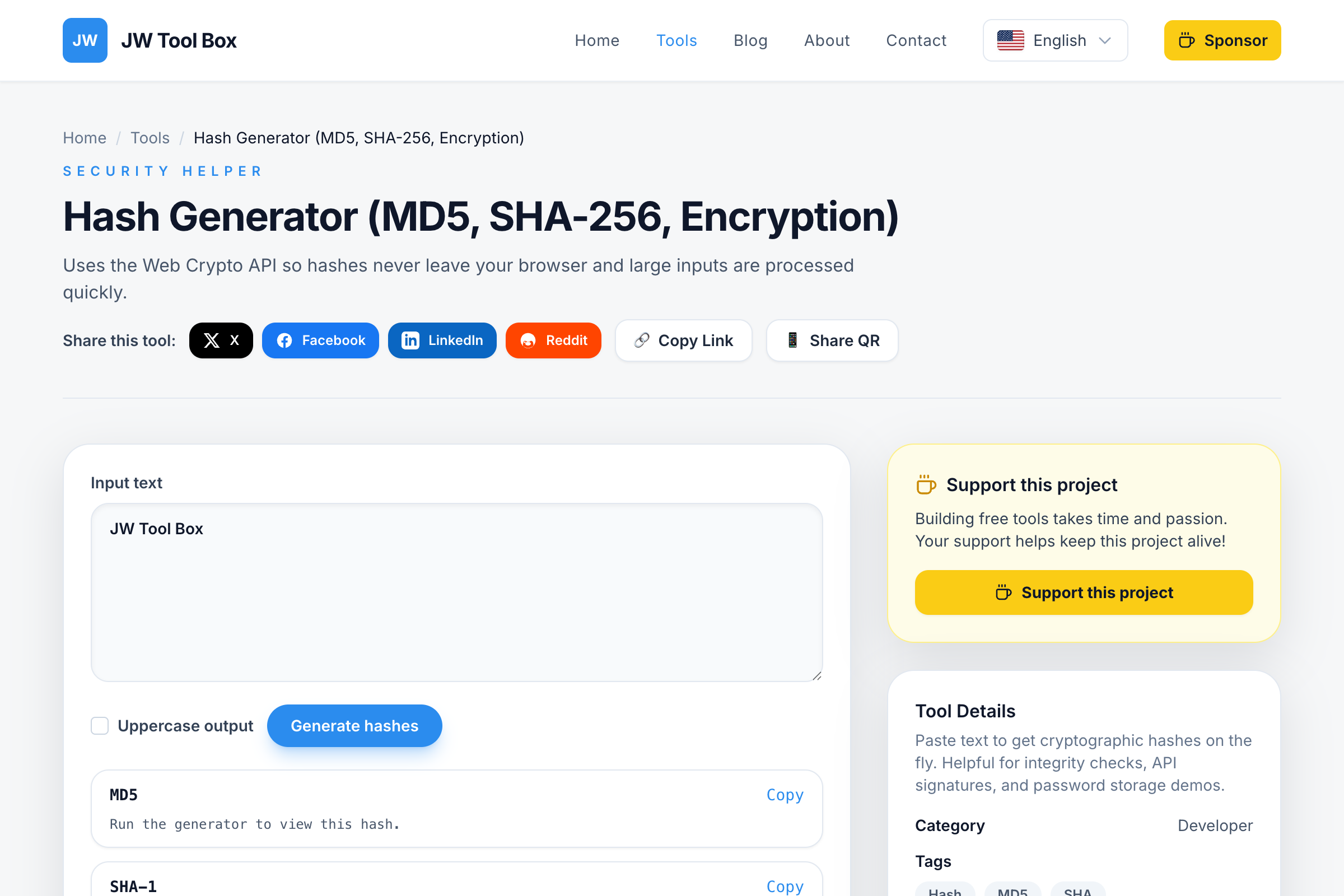
Use our Hash Generator to create hashes instantly in your browser.
What is a Hash?
A hash function takes an input (like a password or a file) and turns it into a fixed-length string of characters. This string is unique to that specific input. If you change even a single letter in the input, the hash changes completely.
MD5 vs. SHA-1 vs. SHA-256
Here is a quick breakdown of the most common algorithms supported by our Hash Generator:
1. MD5 (Message Digest Algorithm 5)
- Speed: Very Fast.
- Security: Low. MD5 is considered "broken" for security purposes because it's possible to create two different files with the same MD5 hash (a collision).
- Best Use: Verifying file integrity (checking if a download is complete) where security is not the main concern.
2. SHA-1 (Secure Hash Algorithm 1)
- Speed: Fast.
- Security: Medium/Low. Like MD5, SHA-1 is no longer recommended for cryptographic security due to vulnerabilities.
- Best Use: Legacy systems and simple checksums.
3. SHA-256 (Secure Hash Algorithm 2)
- Speed: Moderate.
- Security: High. This is the industry standard. It is used by Bitcoin, SSL certificates, and modern password managers.
- Best Use: Storing passwords, digital signatures, and verifying sensitive data.
How to Generate a Hash
You don't need to install command-line tools to generate a quick hash.
- Navigate to the Hash Generator.
- Type your text into the input box.
- The tool will instantly calculate the MD5, SHA-1, SHA-256, and SHA-512 hashes simultaneously.
- Click the copy icon next to the one you need.
Why Use an Online Generator?
- Quick Verification: Quickly check if two strings are identical without comparing them character by character.
- Learning: Great for students and developers understanding how different algorithms produce different output lengths.
- Privacy: Our tool runs locally in your browser using the Web Crypto API. Your passwords or data are never sent to our servers.
Secure your data today with the Hash Generator.
Common Questions About Hashing
Can I decrypt an MD5 hash to get the original password?
No. Hashing is a "one-way" function. Unlike encryption, you cannot reverse the process to get the original data. However, hackers use "rainbow tables" (huge lists of pre-calculated hashes) to guess common passwords, which is why MD5 is no longer considered secure for passwords.
How do I check if a downloaded file is safe?
Many software developers provide a "SHA-256 Checksum" on their download page. After downloading the file, you can generate its hash using our tool and compare it to the one on the website. If they match exactly, the file is safe and hasn't been tampered with.
Is SHA-256 uncrackable?
For all practical purposes, yes. It would take the world's most powerful supercomputers millions of years to brute-force a SHA-256 hash. This is why it is used for Bitcoin and high-security applications.
About the author
JW Tool Box - Editorial and product review team
JW Tool Box publishes hands-on guides tied directly to the site's browser-based tools. Content is updated when browser behavior, platform rules, or product requirements change in ways that affect real workflows. The goal is to provide practical instructions, tested defaults, and trustworthy reference content instead of thin keyword filler.