By JW Tool Box
Kitchen Conversion Guide: Cups to Grams, Ounces to Milliliters
Why trust this guide
- Written by JW Tool Box around the actual workflow or linked tool on this page.
- Updated when browser behavior, file handling, or platform dimensions change in ways that affect the steps.
- Focused on practical settings, safe defaults, and real tradeoffs instead of generic filler.
Convert any ingredient with our Universal Unit Converter. We've all been there: you find the perfect recipe online, but it's written in grams and milliliters, while your kitchen is stocked with measuring cups and spoons (or vice versa). Cooking is an art, but baking is a science—and in science, precision matters.
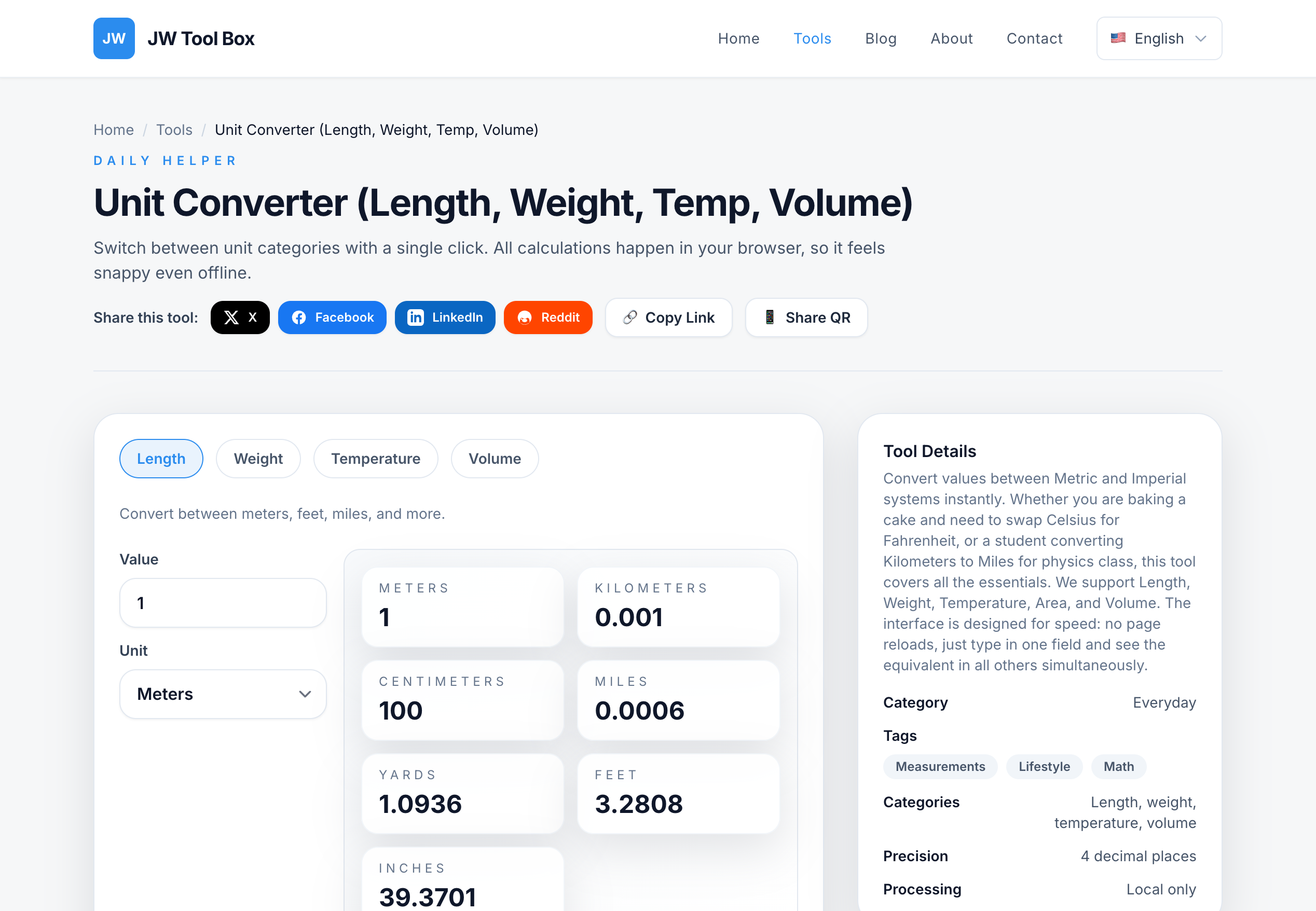
Guessing that "a cup is about 200 grams" can lead to dry cakes, flat breads, or salty soups. To get consistent results, you need accurate conversions.
Common Kitchen Conversions
Here are some of the most frequently needed conversions for home cooks:
Volume (Liquids)
- 1 US Cup = 236.59 ml
- 1 Fluid Ounce = 29.57 ml
- 1 Tablespoon = 14.79 ml
- 1 Teaspoon = 4.93 ml
Weight (Dry Goods)
- 1 Ounce = 28.35 grams
- 1 Pound = 453.59 grams
- 1 Kilogram = 2.20 pounds
Note: Converting "cups" (volume) to "grams" (weight) depends on the ingredient's density. For example, a cup of flour weighs much less than a cup of sugar. However, for water-based liquids, the conversion is straightforward.
Why Use an Online Converter?
Memorizing conversion factors is difficult, and doing mental math while your hands are covered in flour is a recipe for disaster. An online converter allows you to:
- Save Time: Type the number and get the answer instantly.
- Ensure Accuracy: Avoid rounding errors that can ruin a dish.
- Handle Weird Units: Ever encountered a recipe calling for "deciliters" or "pints"? A converter handles them effortlessly.
How to Use the JW Tool Box Unit Converter
Our Universal Unit Converter is perfect for kitchen use because it works offline. Load the page once, and it will keep working even if your kitchen Wi-Fi is spotty.
- Select Category: Choose "Volume" for liquids or "Weight" for dry ingredients.
- Input Value: Enter the amount from your recipe (e.g., "1.5").
- Select Units: Choose the "From" unit (e.g., Cups) and "To" unit (e.g., Milliliters).
- Read Result: The converted amount appears instantly.
Whether you are scaling up a recipe for a party or translating a vintage cookbook, accurate conversions are your best friend in the kitchen.
About the author
JW Tool Box - Editorial and product review team
JW Tool Box publishes hands-on guides tied directly to the site's browser-based tools. Content is updated when browser behavior, platform rules, or product requirements change in ways that affect real workflows. The goal is to provide practical instructions, tested defaults, and trustworthy reference content instead of thin keyword filler.
Related tools
Additional browser-based utilities that are closely related to this workflow.
-
Unit Converter (Length, Weight, Temp, Volume)
Convert length, weight, temperature, and volume instantly.