By JW Tool Box
Free Color Converter Online: HEX to RGB, HSL, CMYK (2026 Guide)
A comprehensive guide to understanding web colors, why formats matter, and how to convert between them instantly.
Why trust this guide
- Written by JW Tool Box around the actual workflow or linked tool on this page.
- Updated when browser behavior, file handling, or platform dimensions change in ways that affect the steps.
- Focused on practical settings, safe defaults, and real tradeoffs instead of generic filler.
Stop guessing css color codes. Use our Color Converter to switch between HEX, RGB, HSL, and more instantly. Whether you are a UI designer ensuring brand consistency with web colors or a developer wrestling with design tokens, accurate color data is critical. But manually calculating these values is a headache.
Here is how you can use the Color Converter as your go-to color picker utility to streamline your design-to-code workflow.
Why Do We Need Different Formats?
You might wonder why we can't just stick to one valid format. The truth is, different contexts require different tools:
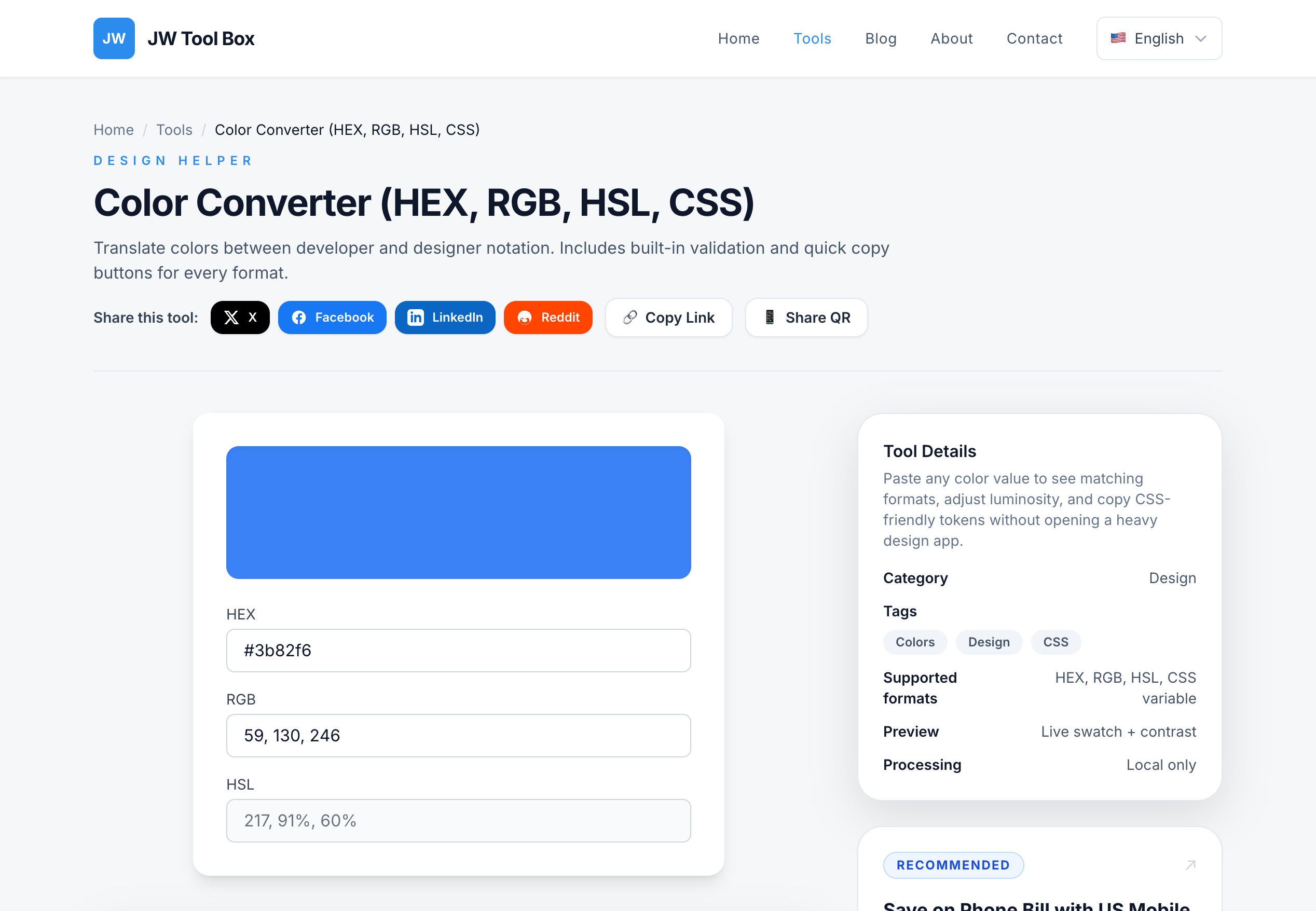
- HEX (#3B82F6): The standard for web design and concise code. It’s compact and universally supported.
- RGB (59, 130, 246): Perfect for digital screens. It represents the Red, Green, and Blue light values directly.
- HSL (217, 91%, 60%): The designer’s favorite. It stands for Hue, Saturation, and Lightness, making it much easier to create a color palette by tweaking just the "Lightness" or "Saturation" values.
- CSS Variables: Modern web development relies on design tokens like
--primary: 59 130 246.
How to Convert Colors in Seconds
- Open the Tool: Go to the Color Converter.
- Paste Your Color: Drop in a HEX code, an RGB string, or even an HSL value. The tool automatically detects the format.
- View Results: Instantly see the equivalent values for all other formats.
- Copy: Click to copy the css color code snippet or the raw value.
Common Use Cases
- Design Handoff: Quickly translate a Figma HEX code into an
rgba()value for a transparent background in CSS. - Theming: Convert a brand color to HSL to easily generate lighter and darker variants for hover states in your design system.
- Legacy Updates: Modernize an old codebase by converting hardcoded RGB values to modern CSS variables.
Why Use This Converter?
Unlike complex color palette generators that take ages to load, the JW Tool Box Color Converter runs entirely in your browser.
- Privacy First: Your queries never leave your device.
- Instant Feedback: See a visual preview of the color to ensure you haven't made a typo.
- Dev-Friendly: Get copy-paste ready formats that save you from syntax errors.
Start taking control of your web colors today.
About the author
JW Tool Box - Editorial and product review team
JW Tool Box publishes hands-on guides tied directly to the site's browser-based tools. Content is updated when browser behavior, platform rules, or product requirements change in ways that affect real workflows. The goal is to provide practical instructions, tested defaults, and trustworthy reference content instead of thin keyword filler.